Show AI exactly what you like.Not just a screenshot of it.
Save designs from any website, tap what you like about each one, and hand Claude, Cursor or v0 a brief it can follow.
Get the extensionPage shown: Apple Store
 Claude Code
 Cursor
 v0
v0 Lovable
 Bolt
Bolt ChatGPT
From one capture to a brief your AI follows
No prompts to write and no screenshots to explain. Capture it, tap why, and your AI takes it from there.
What do you like about it?
Brief ready
3 inspirations · for a landing page
Anything you see on the web, your AI can follow.
Capture from any site. Hand the brief to Claude Code, Cursor, v0, Lovable, Bolt or ChatGPT.
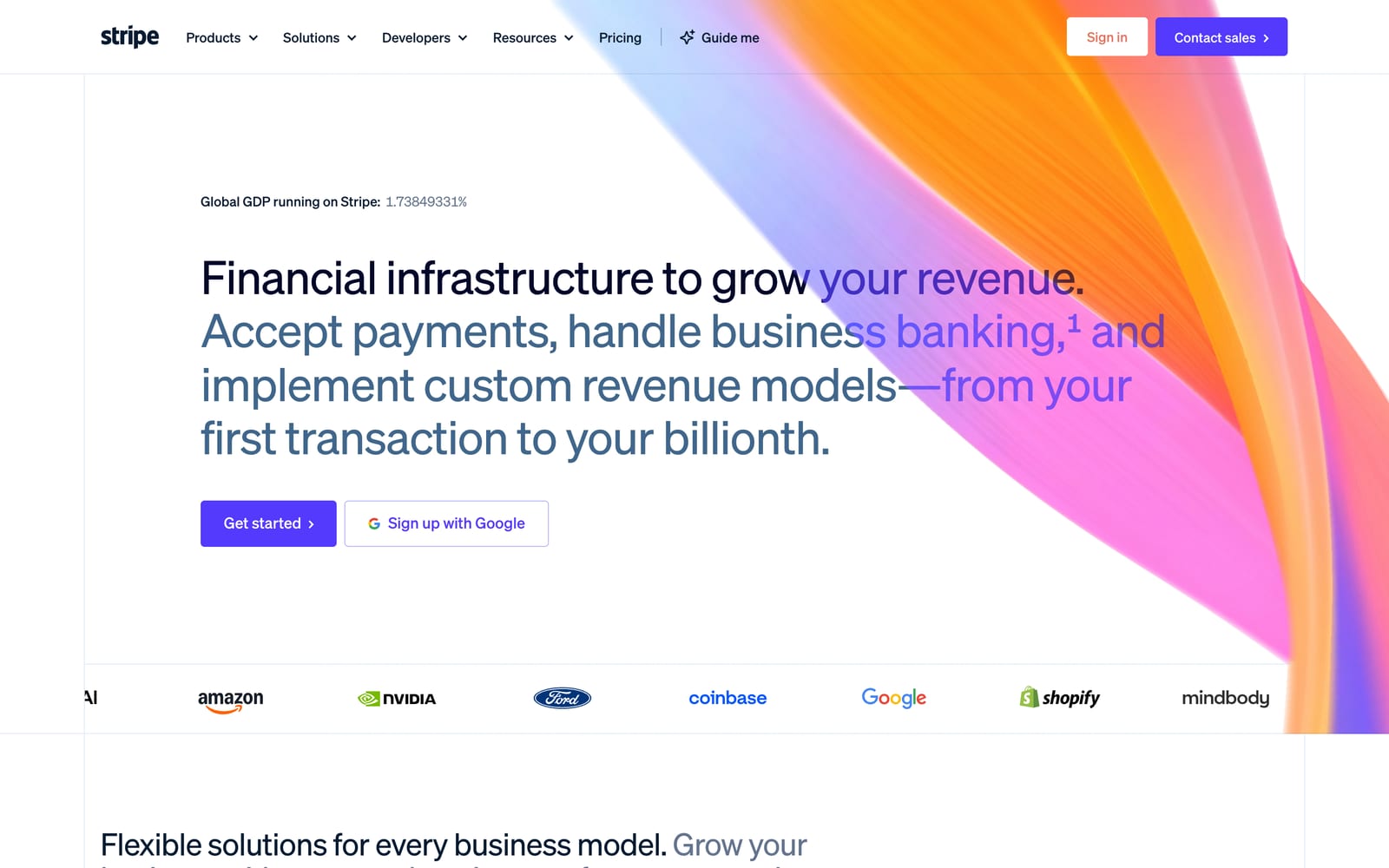
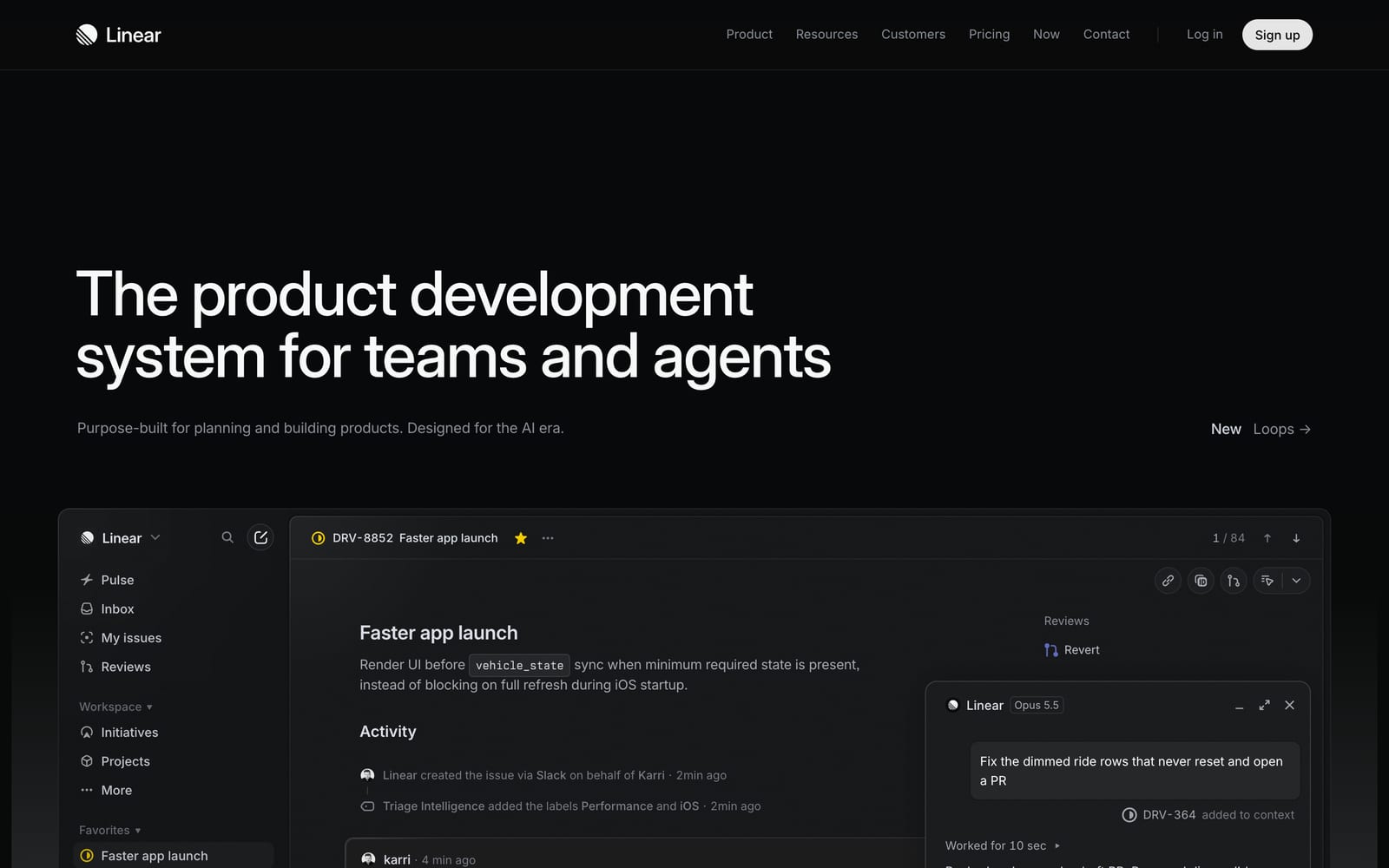
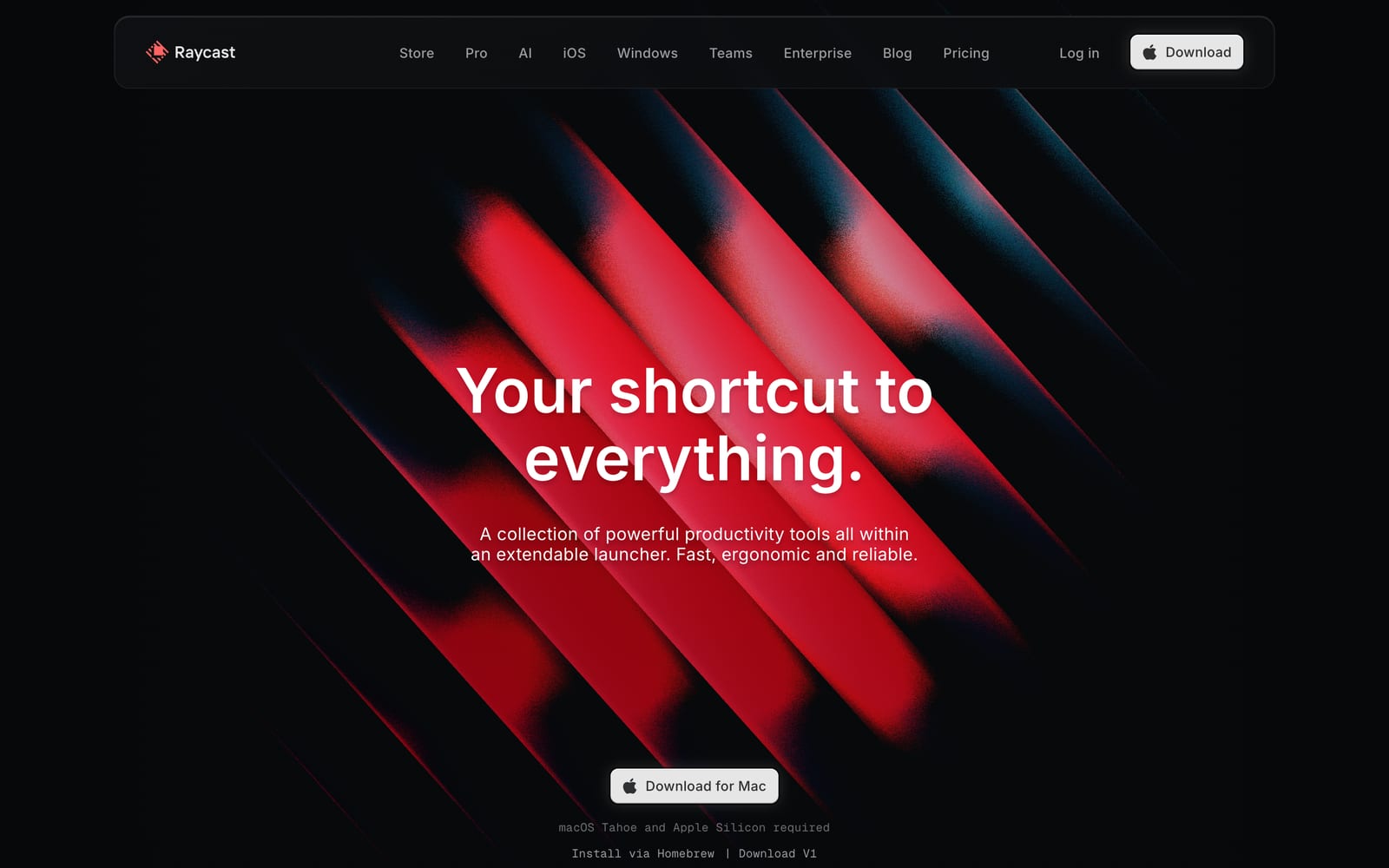
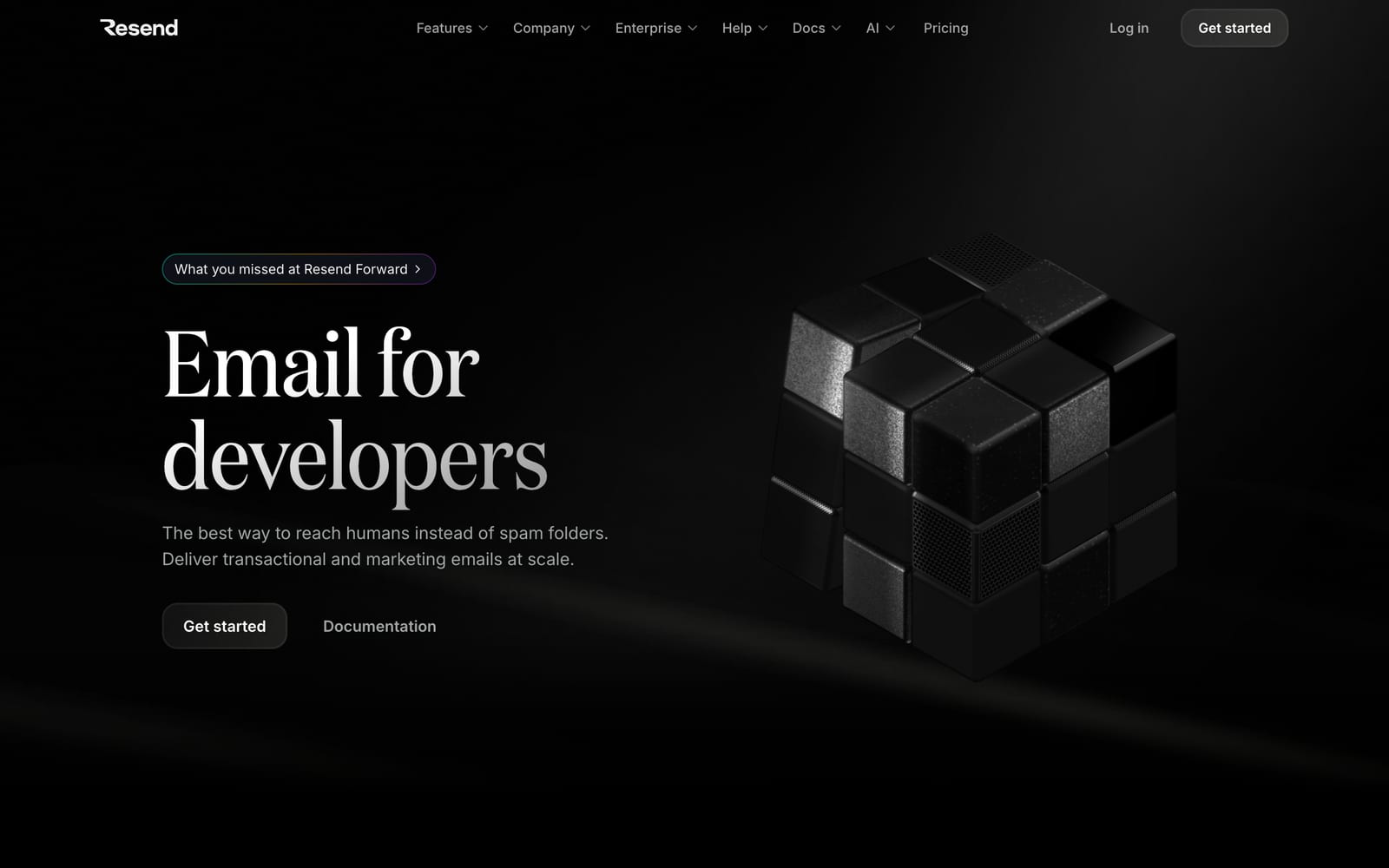
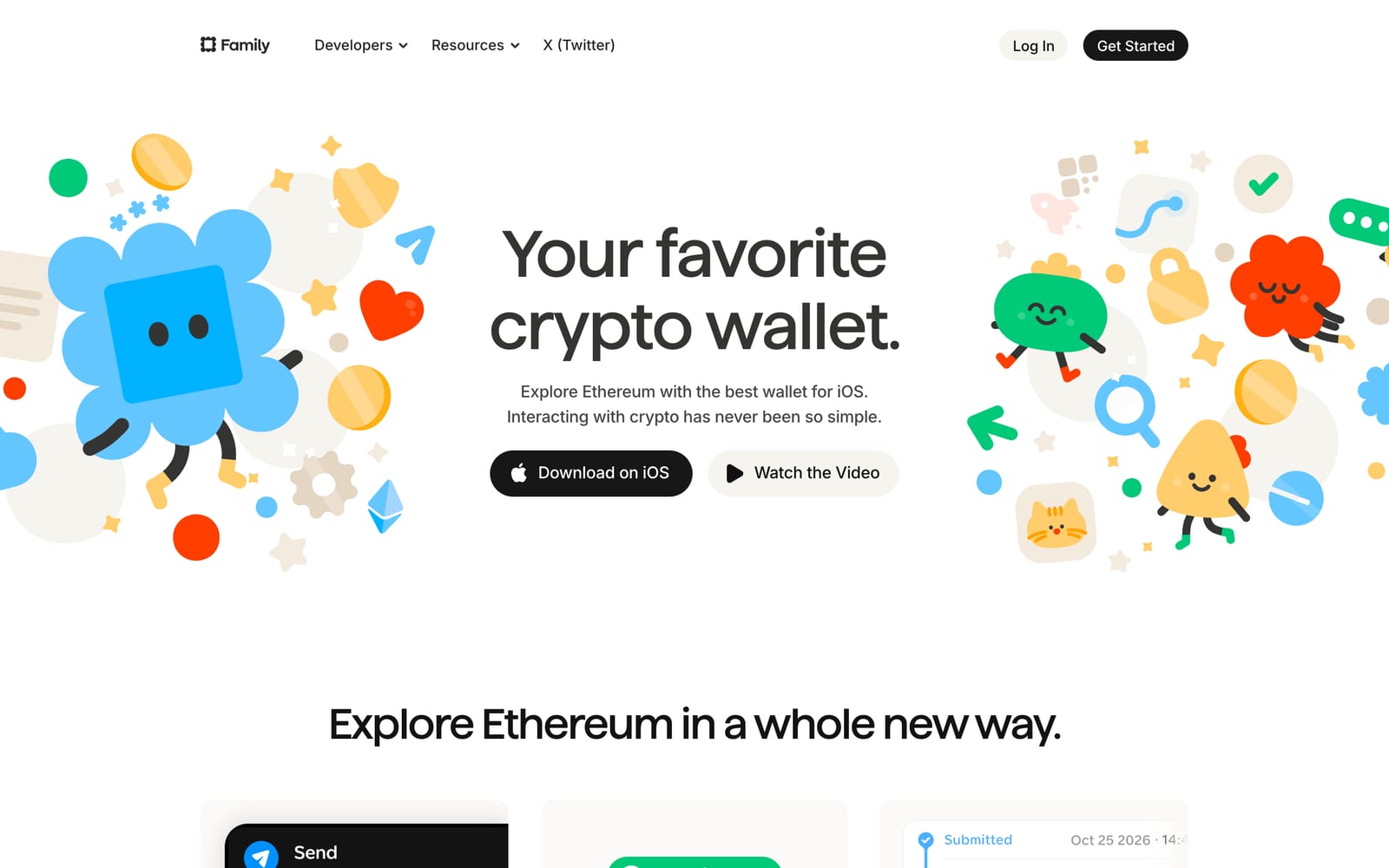
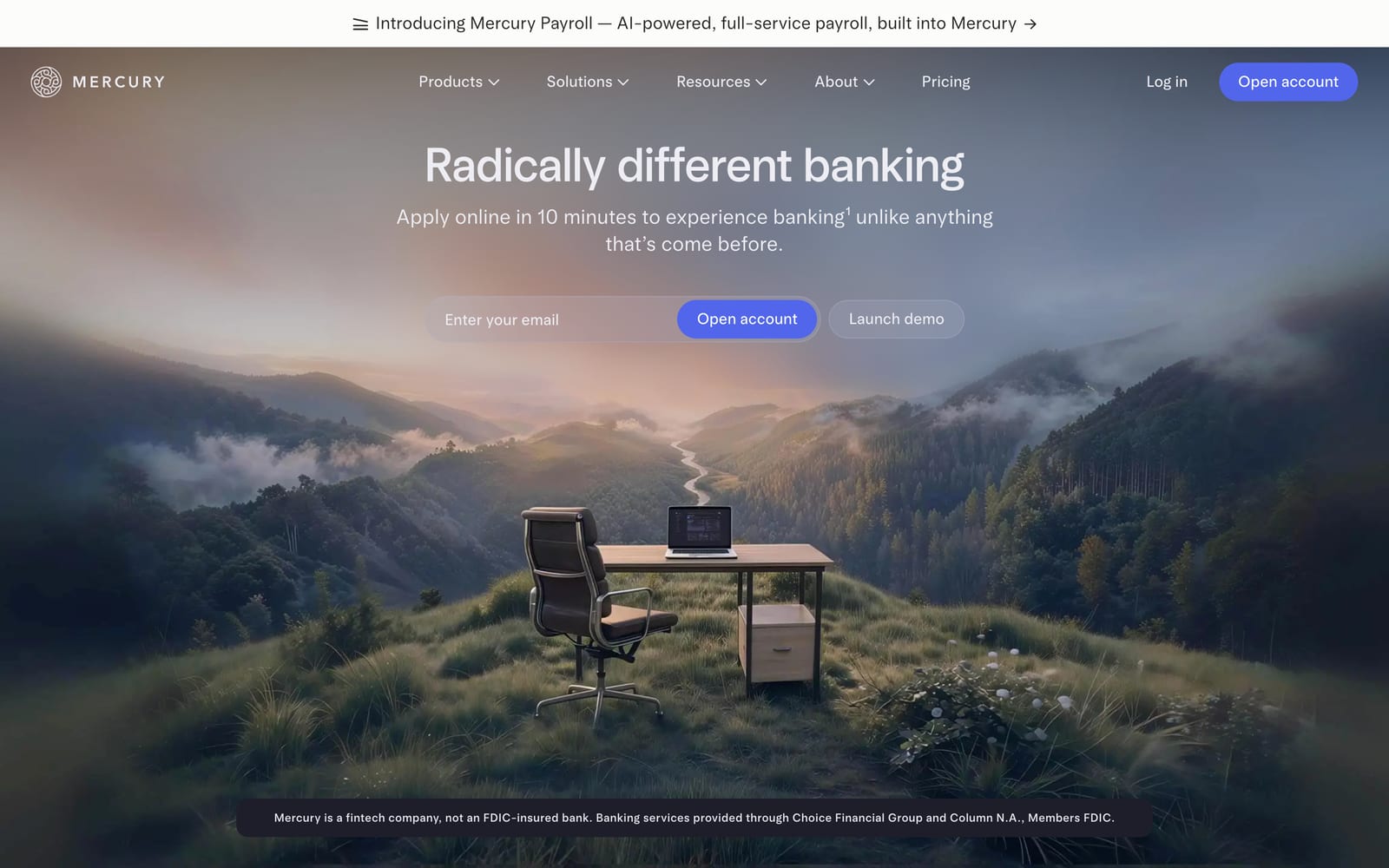
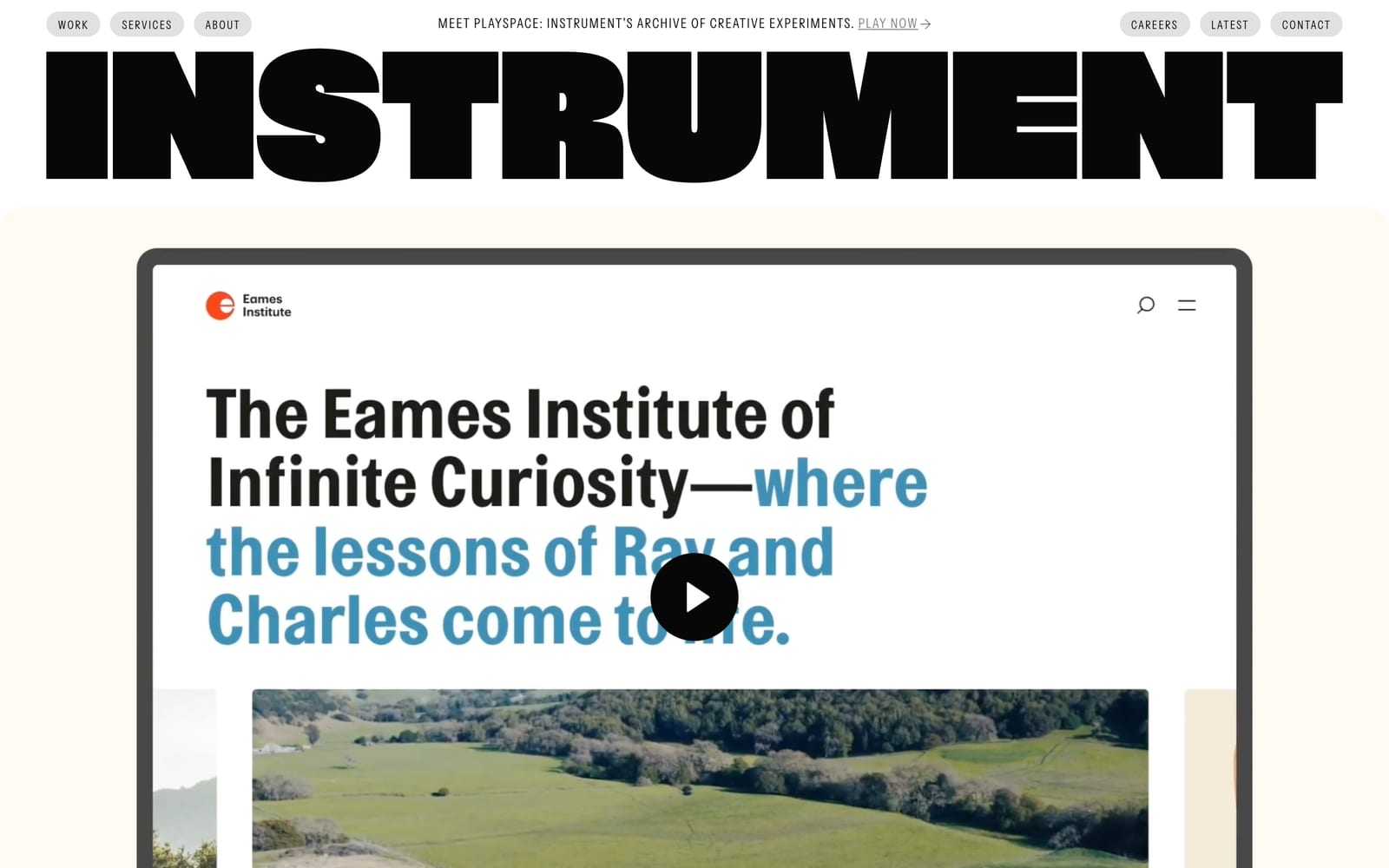
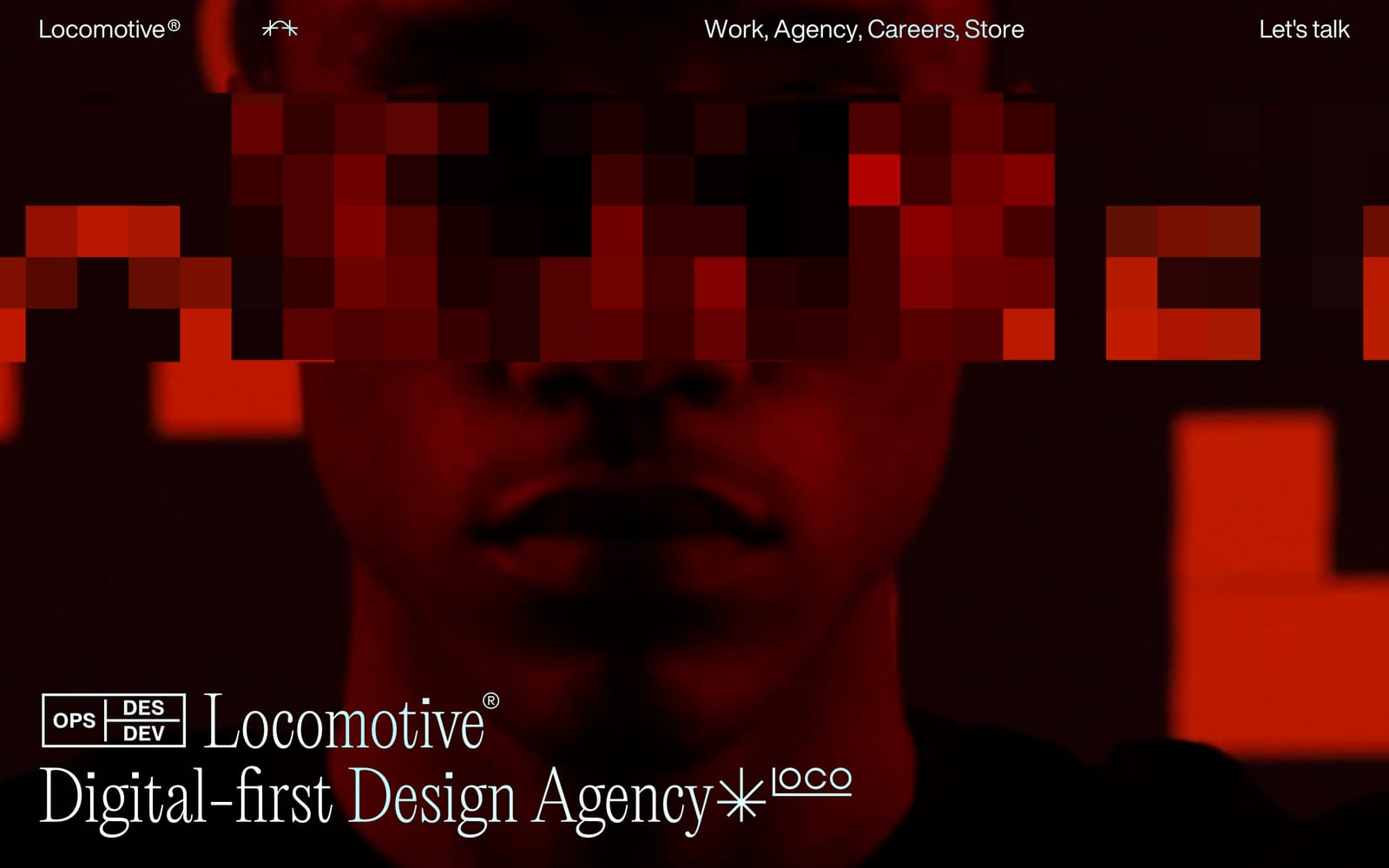
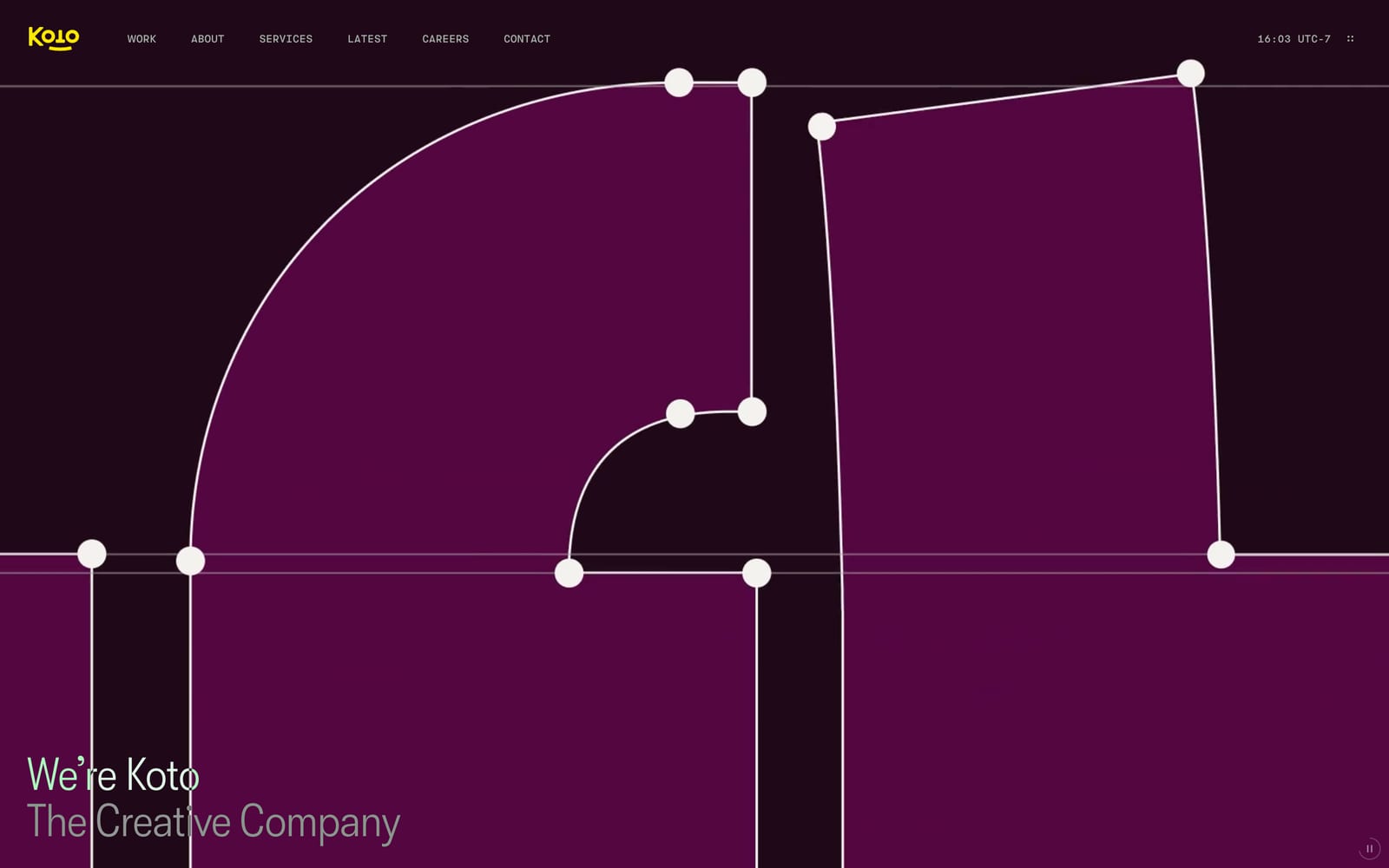
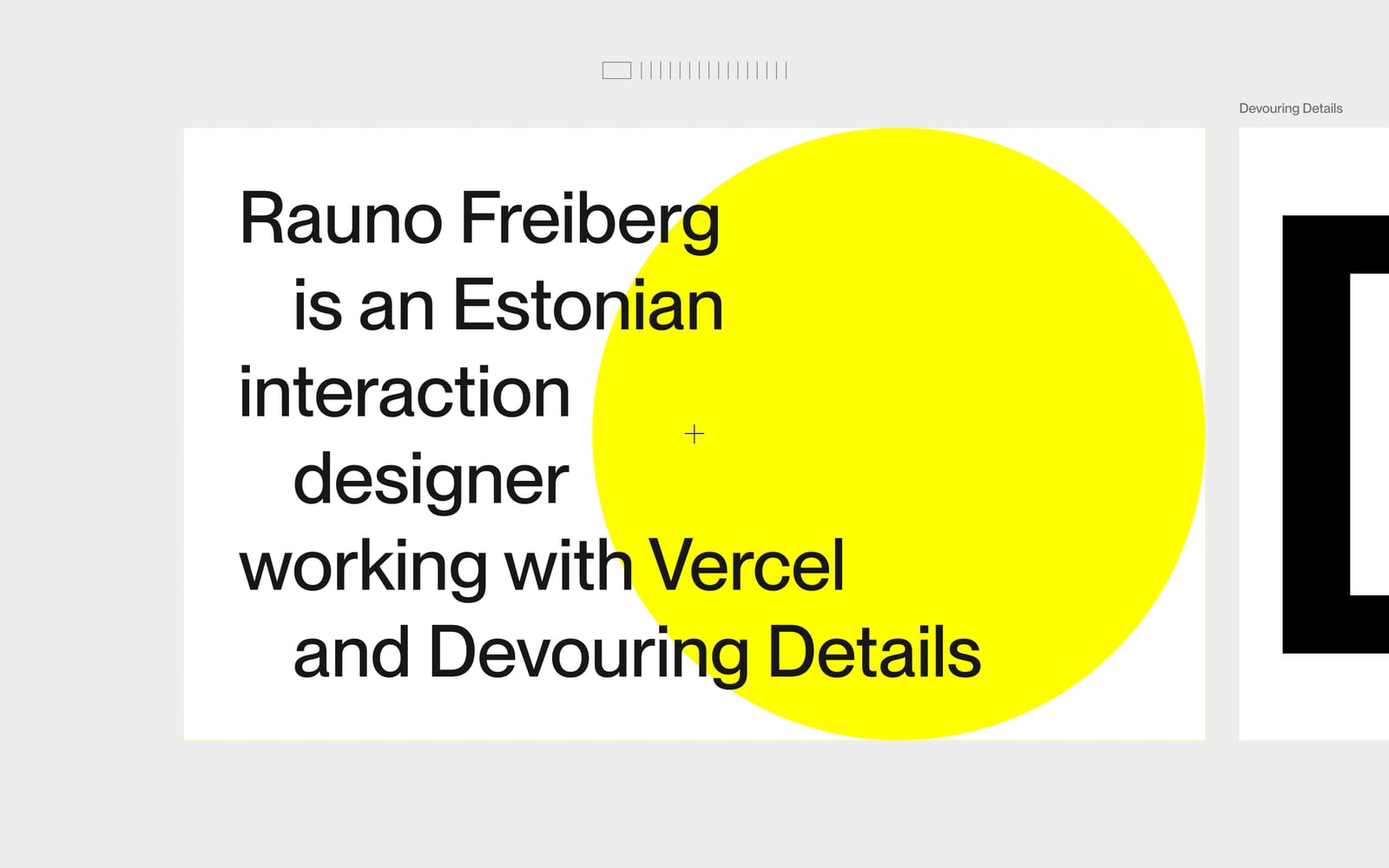
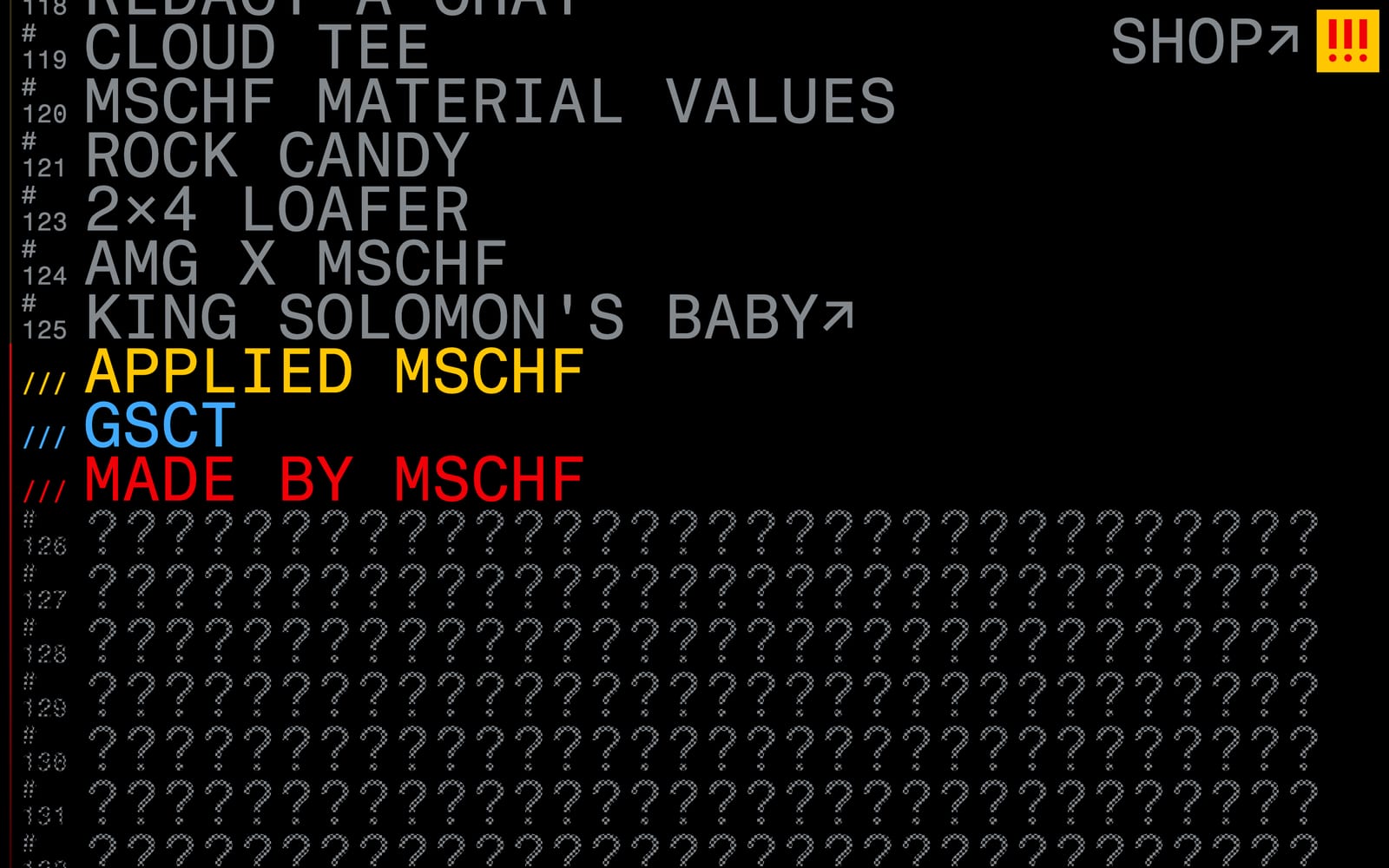
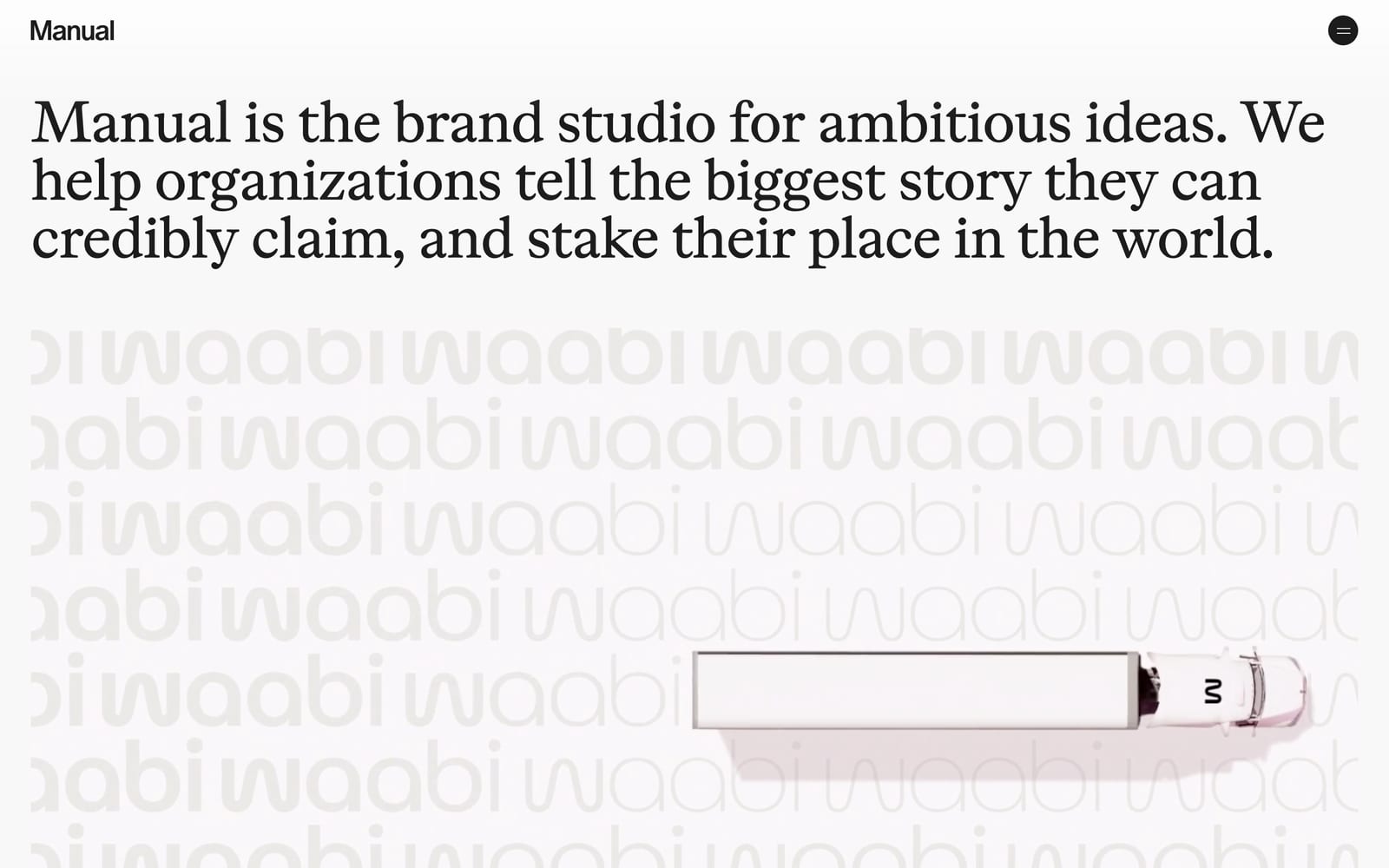
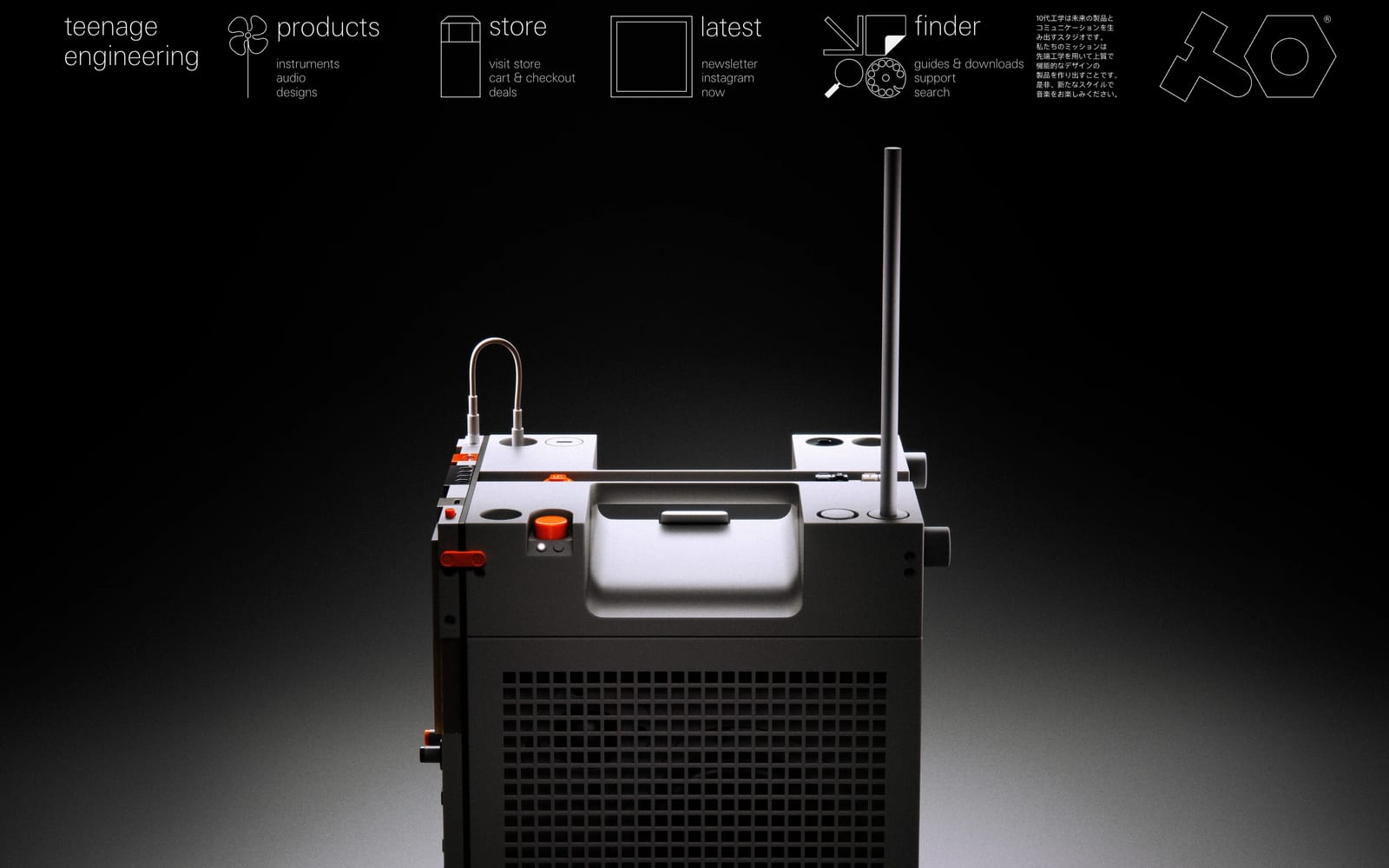
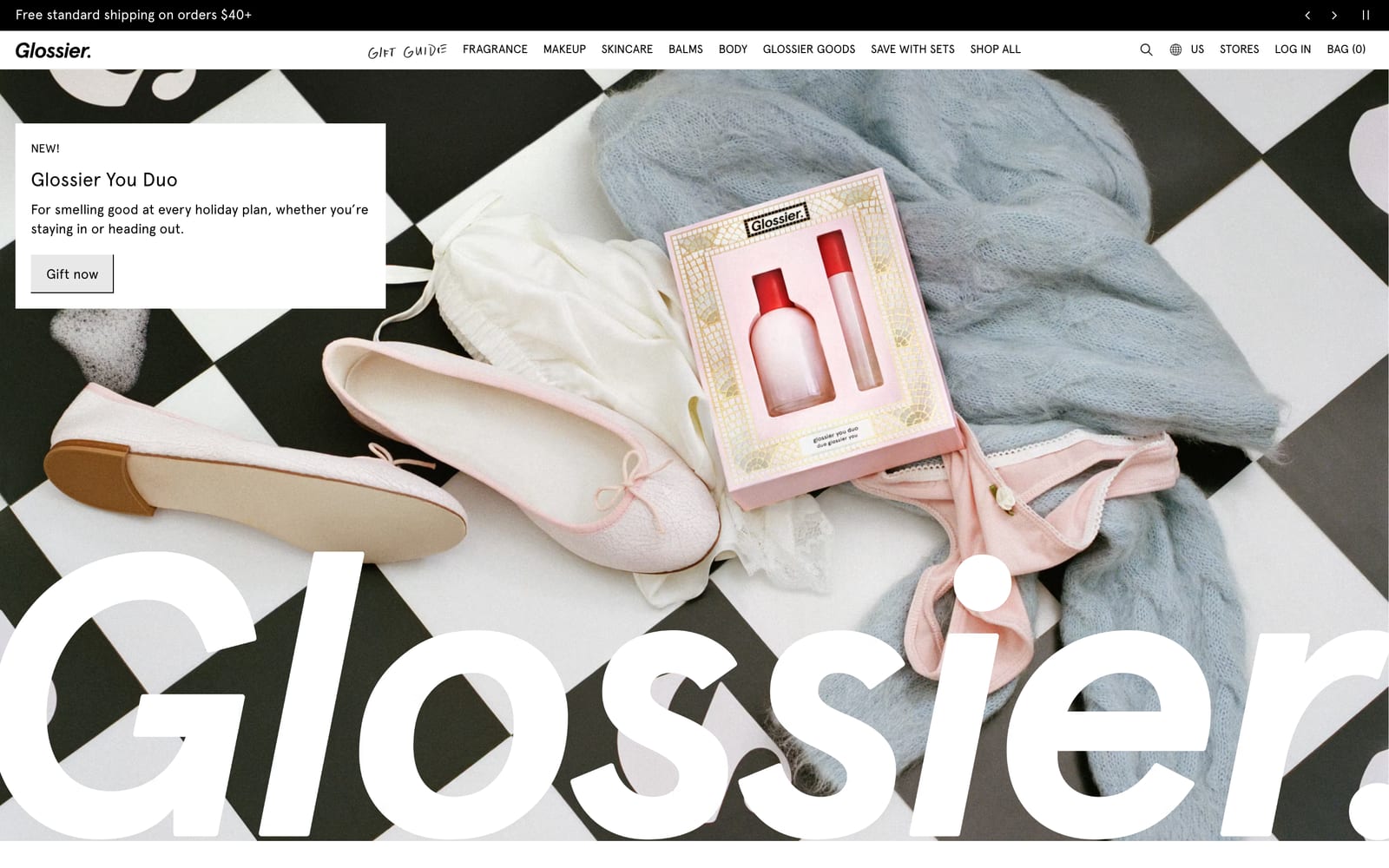
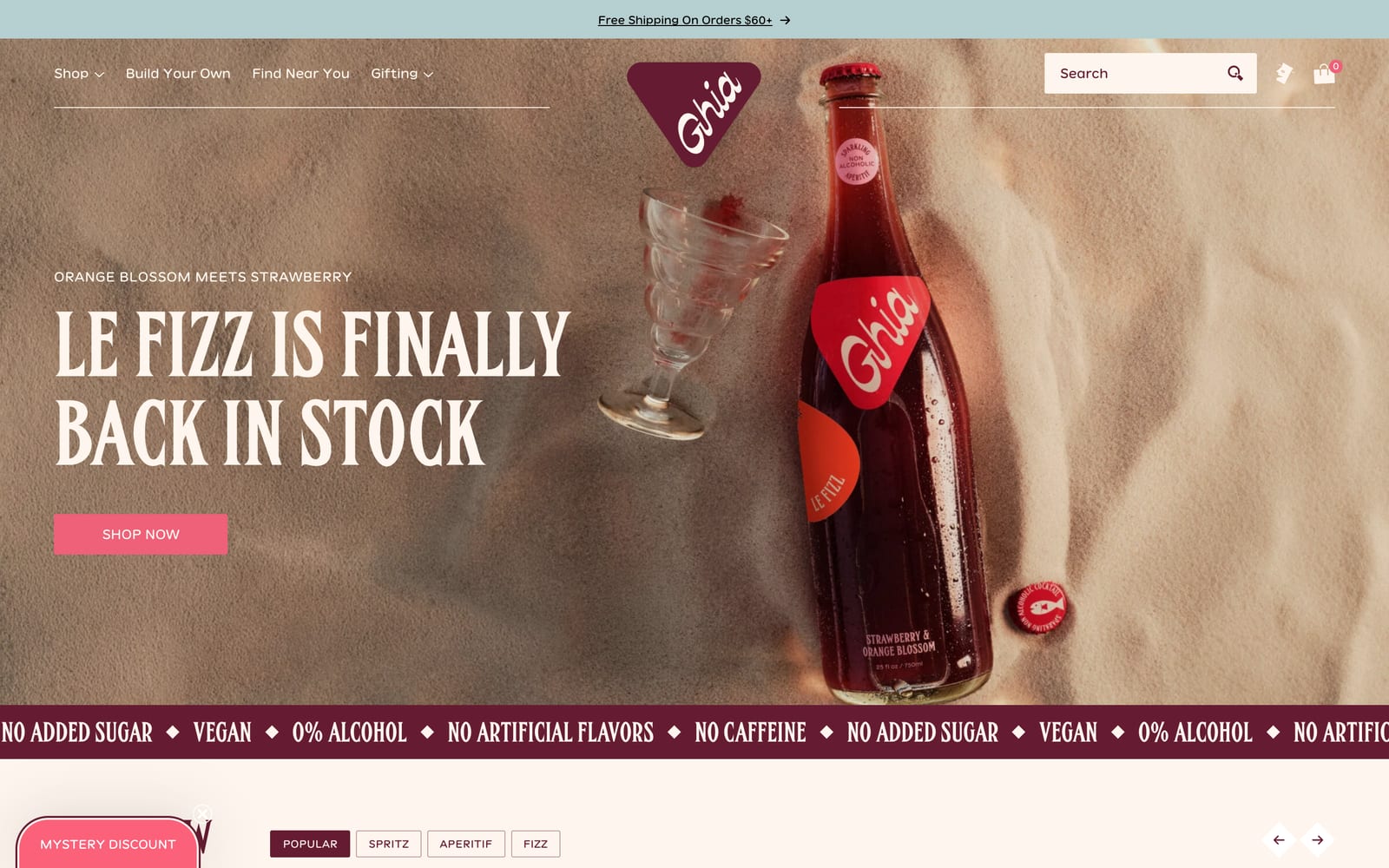
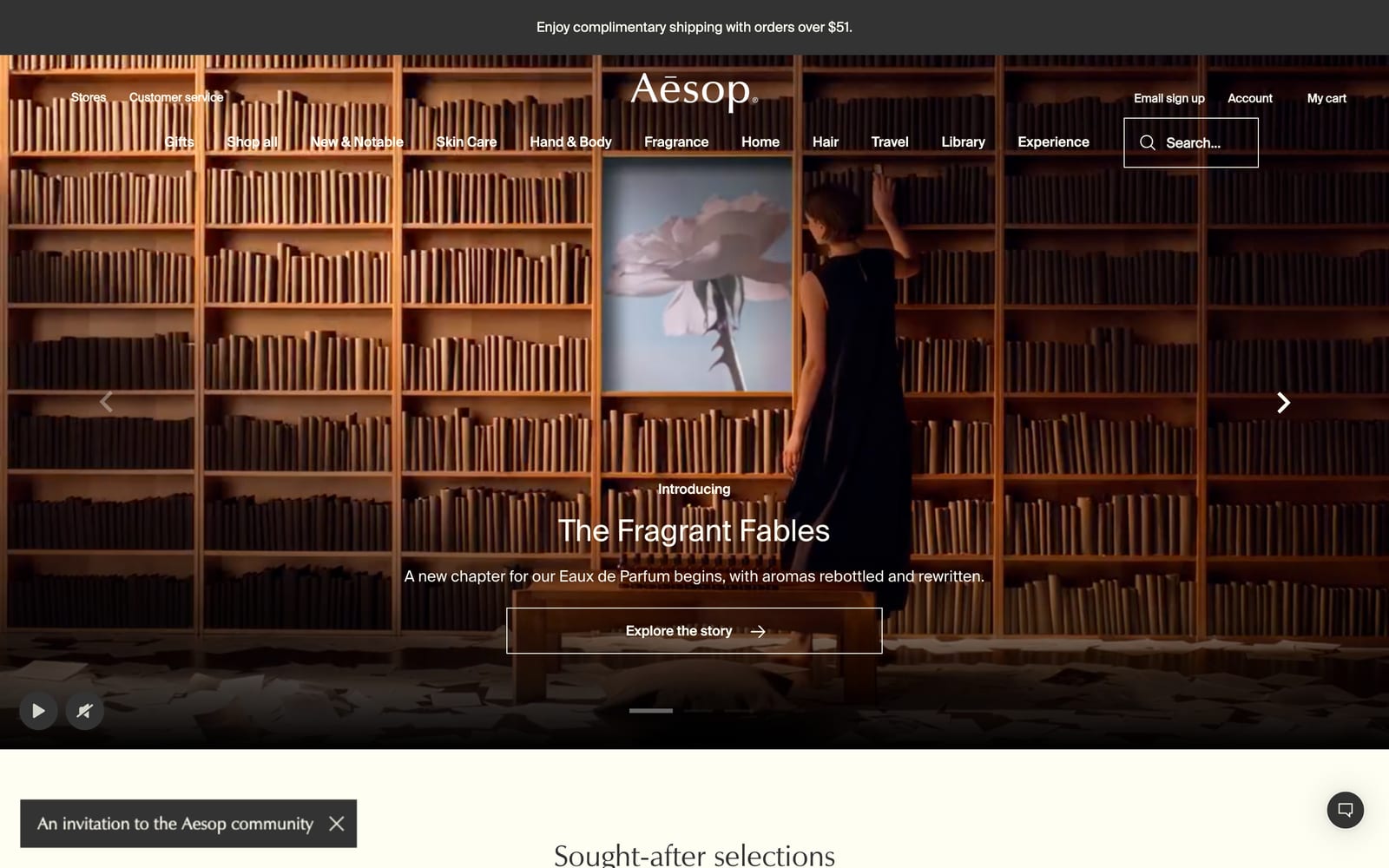
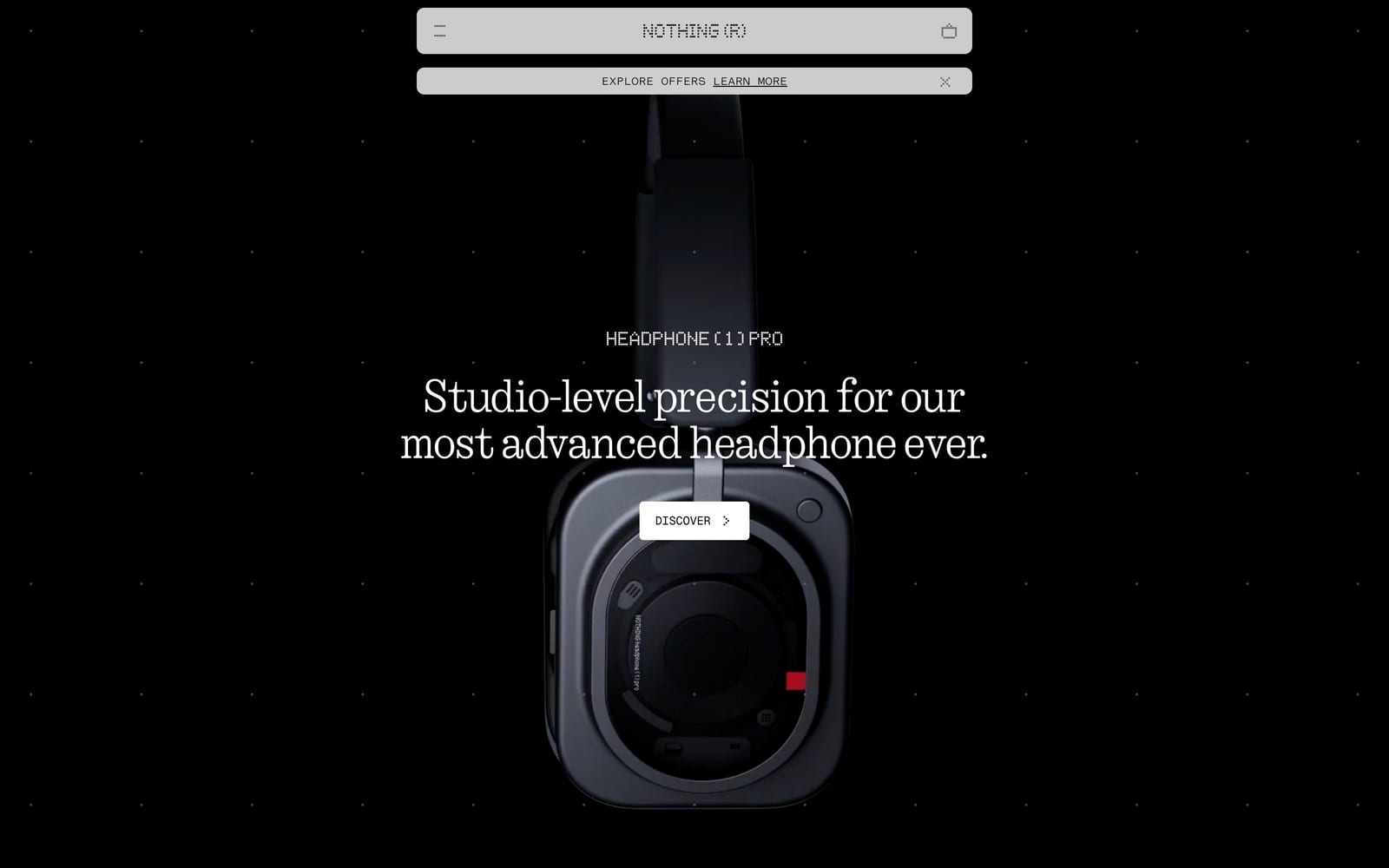
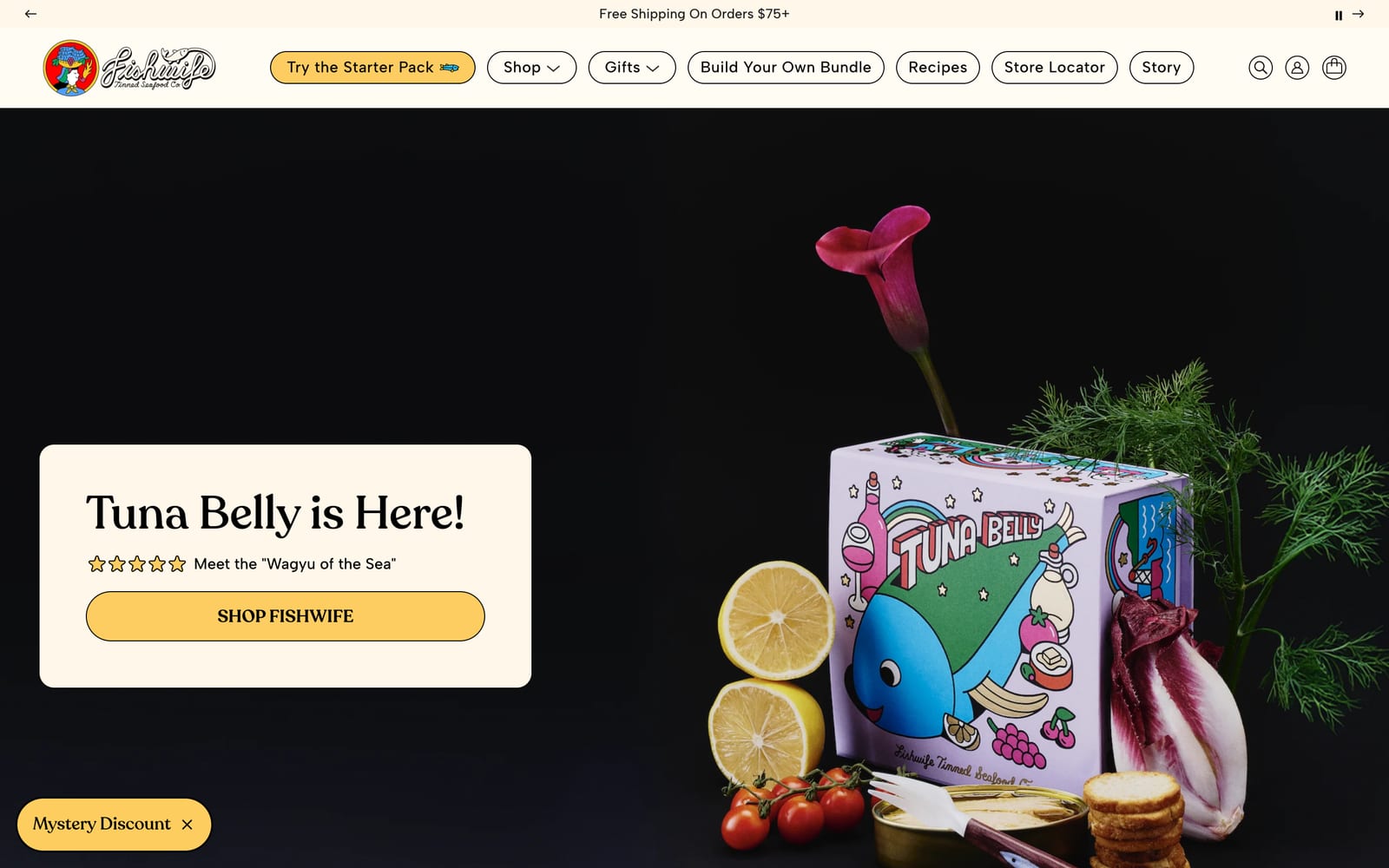
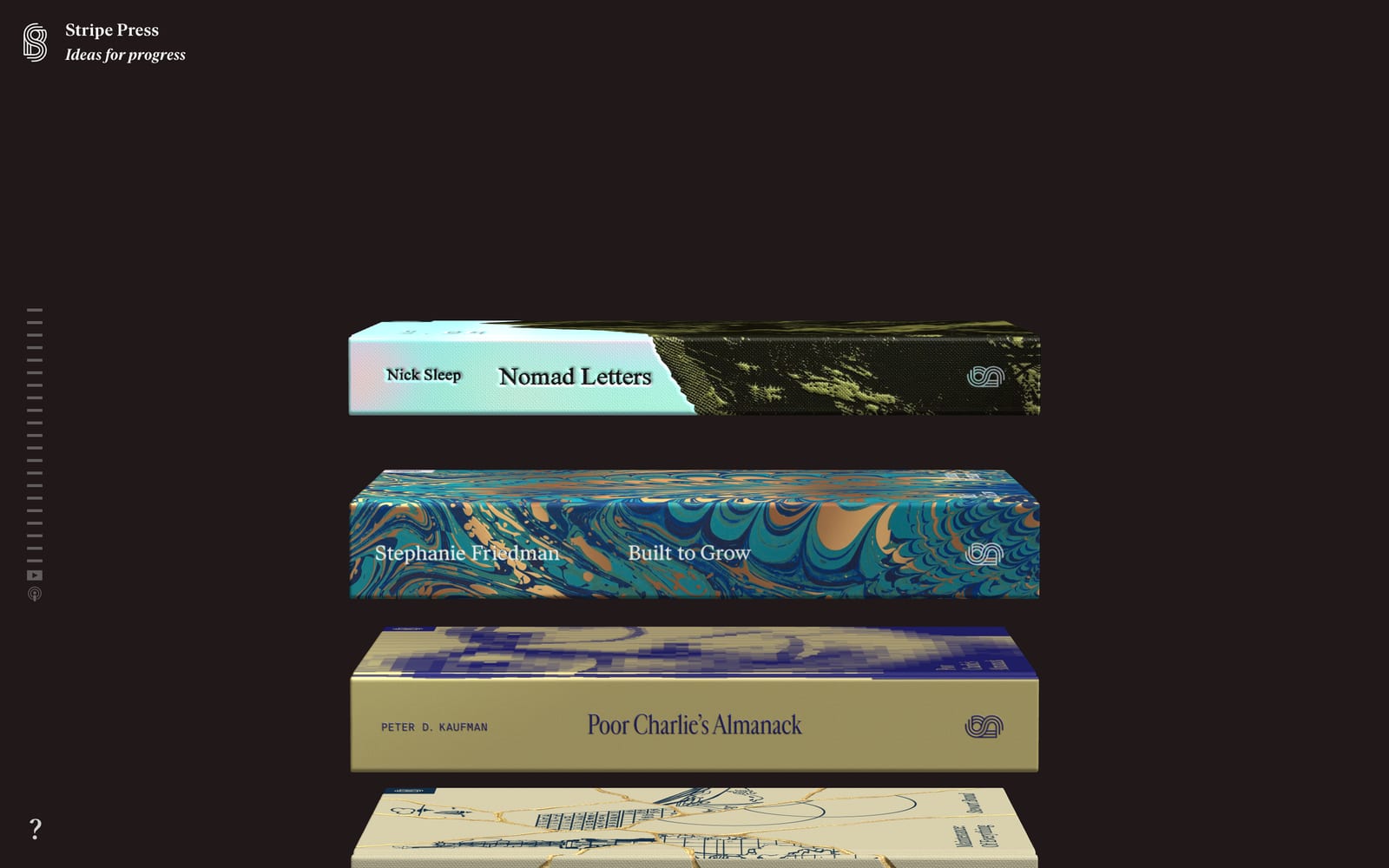
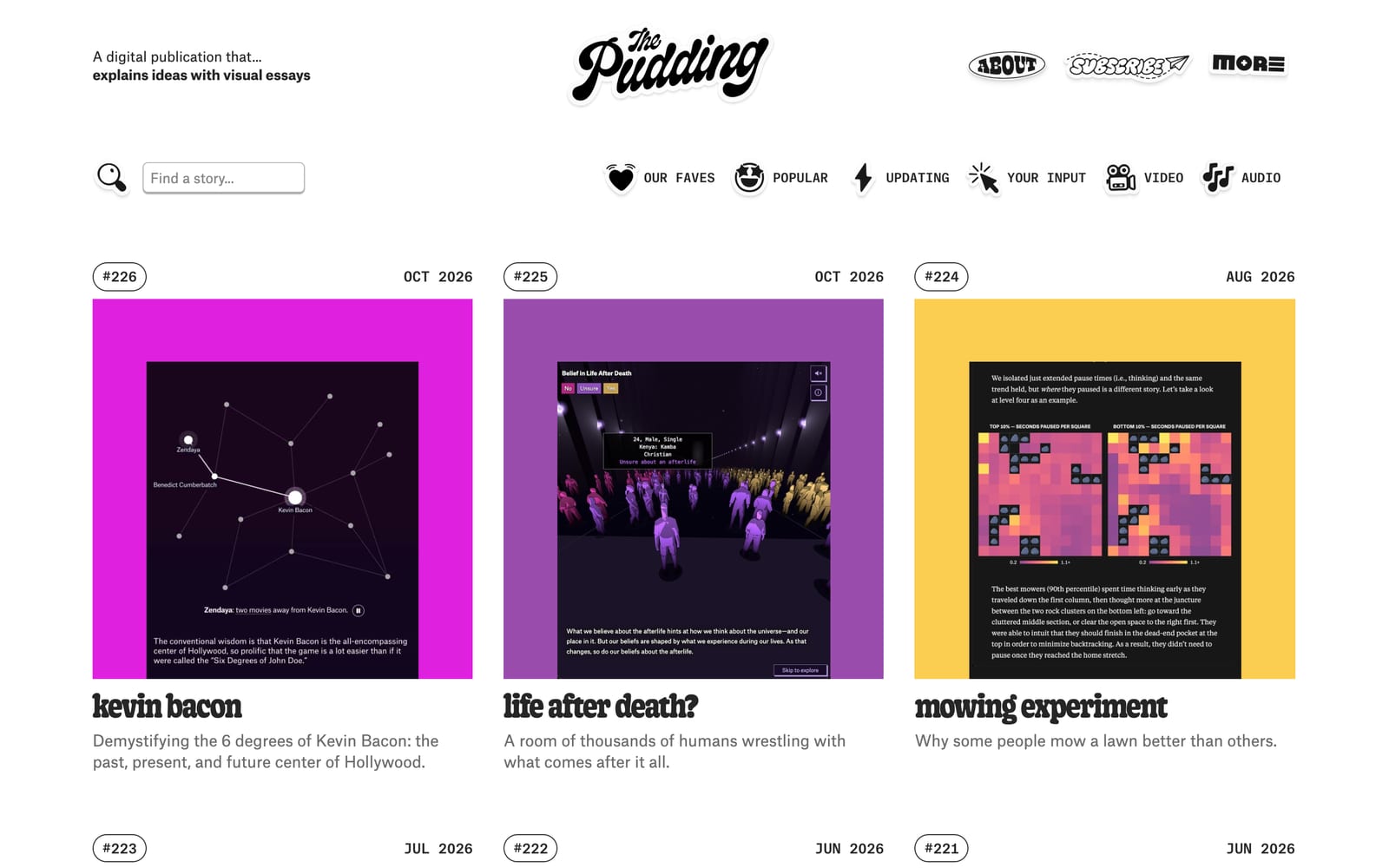
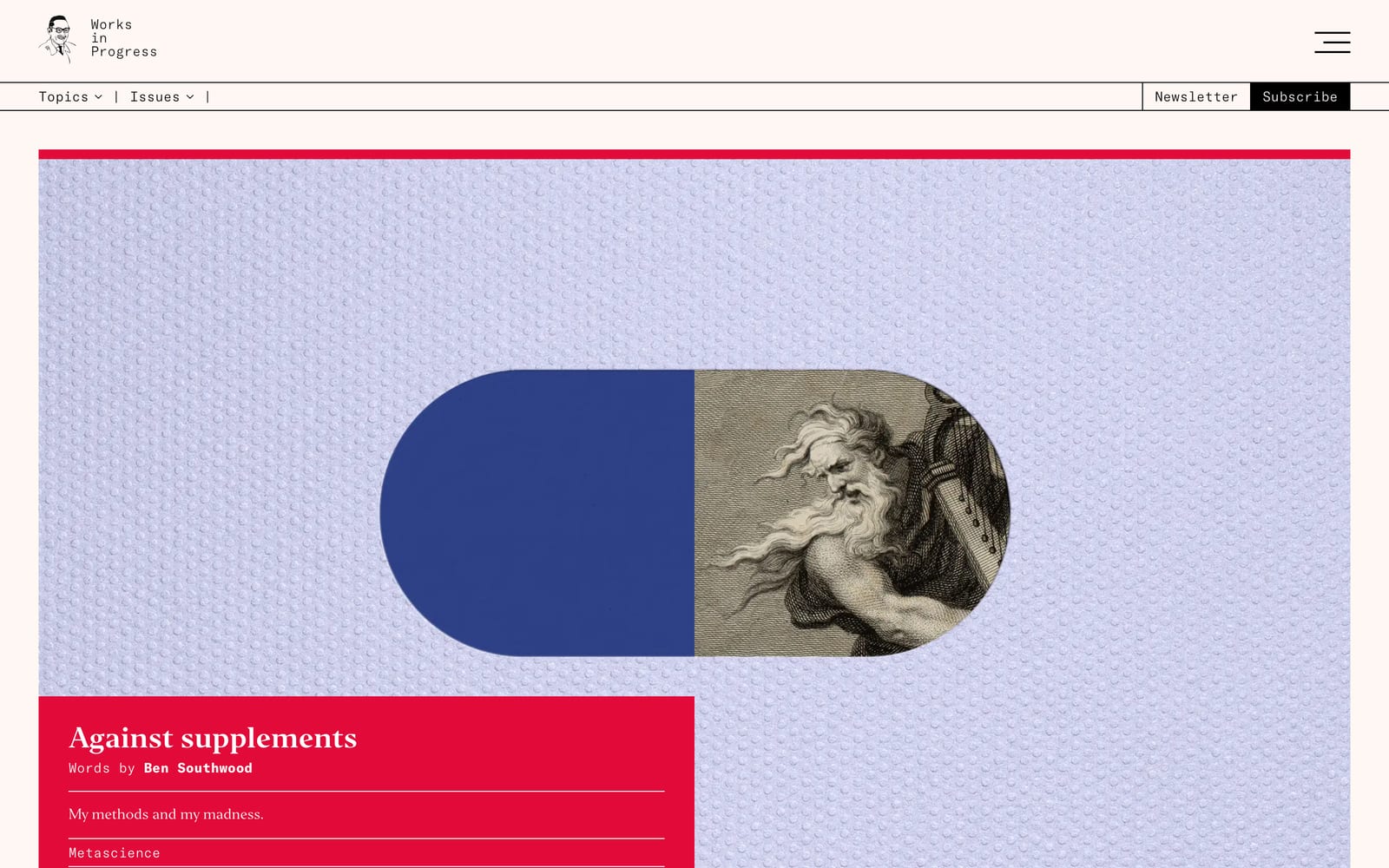
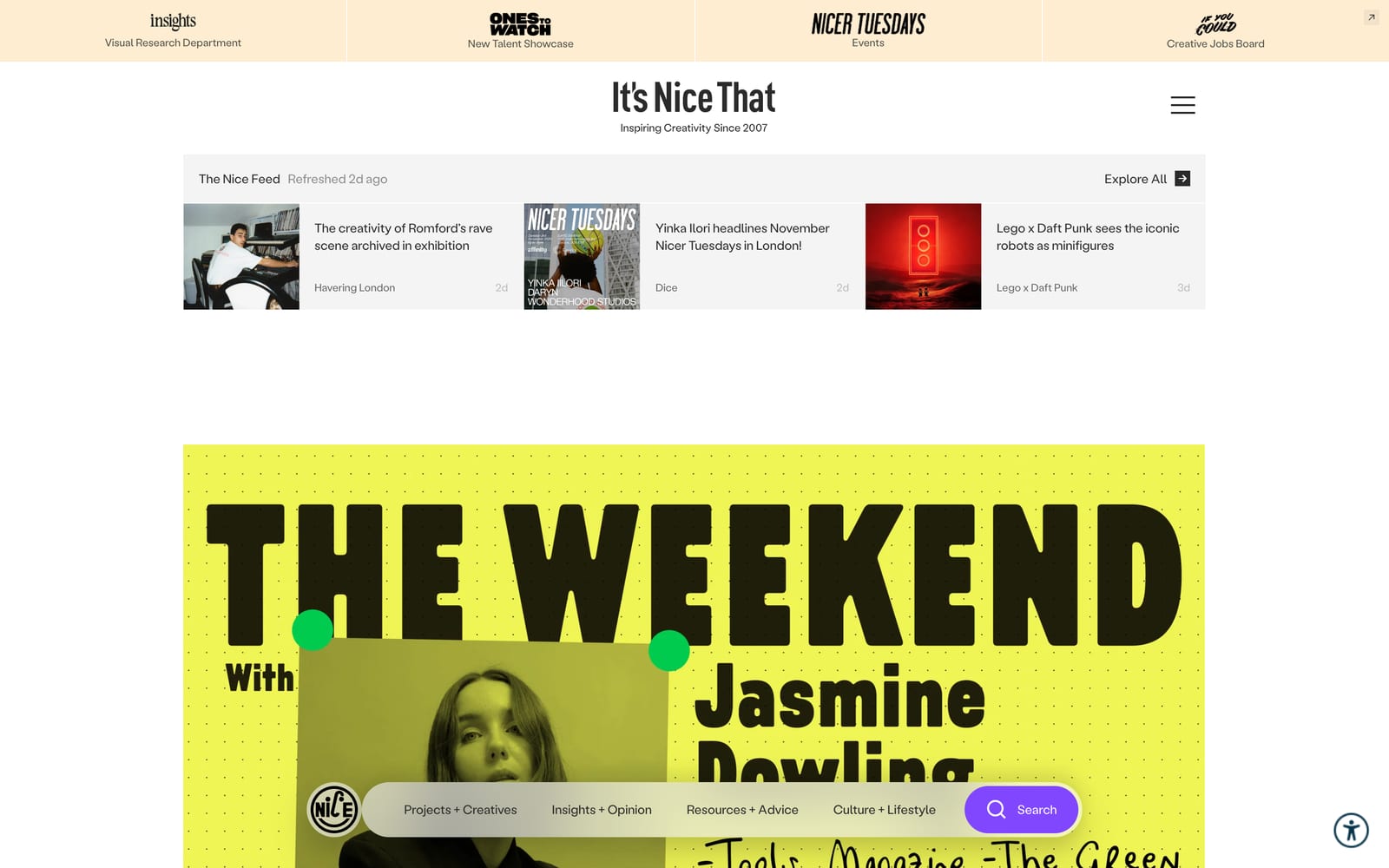
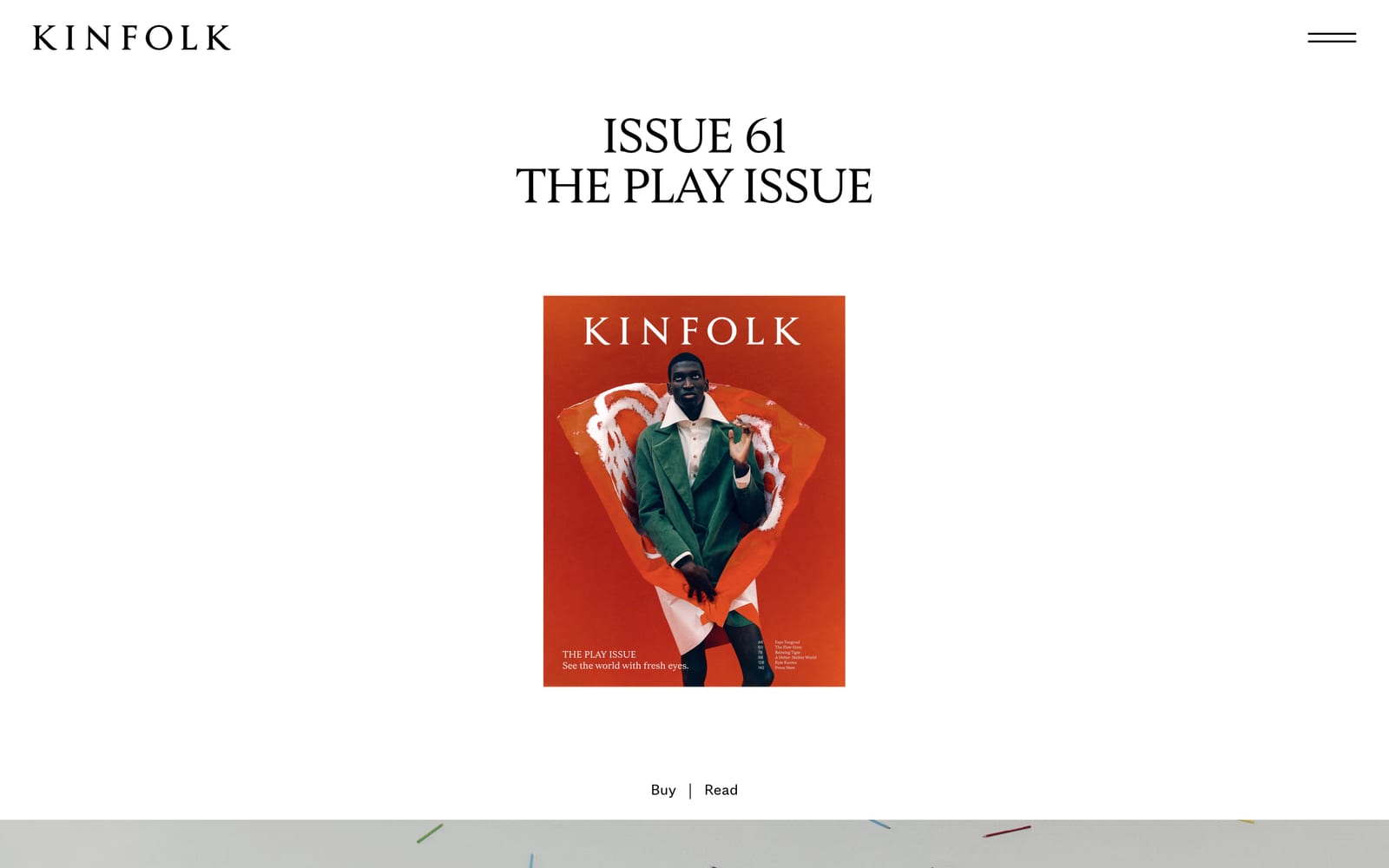
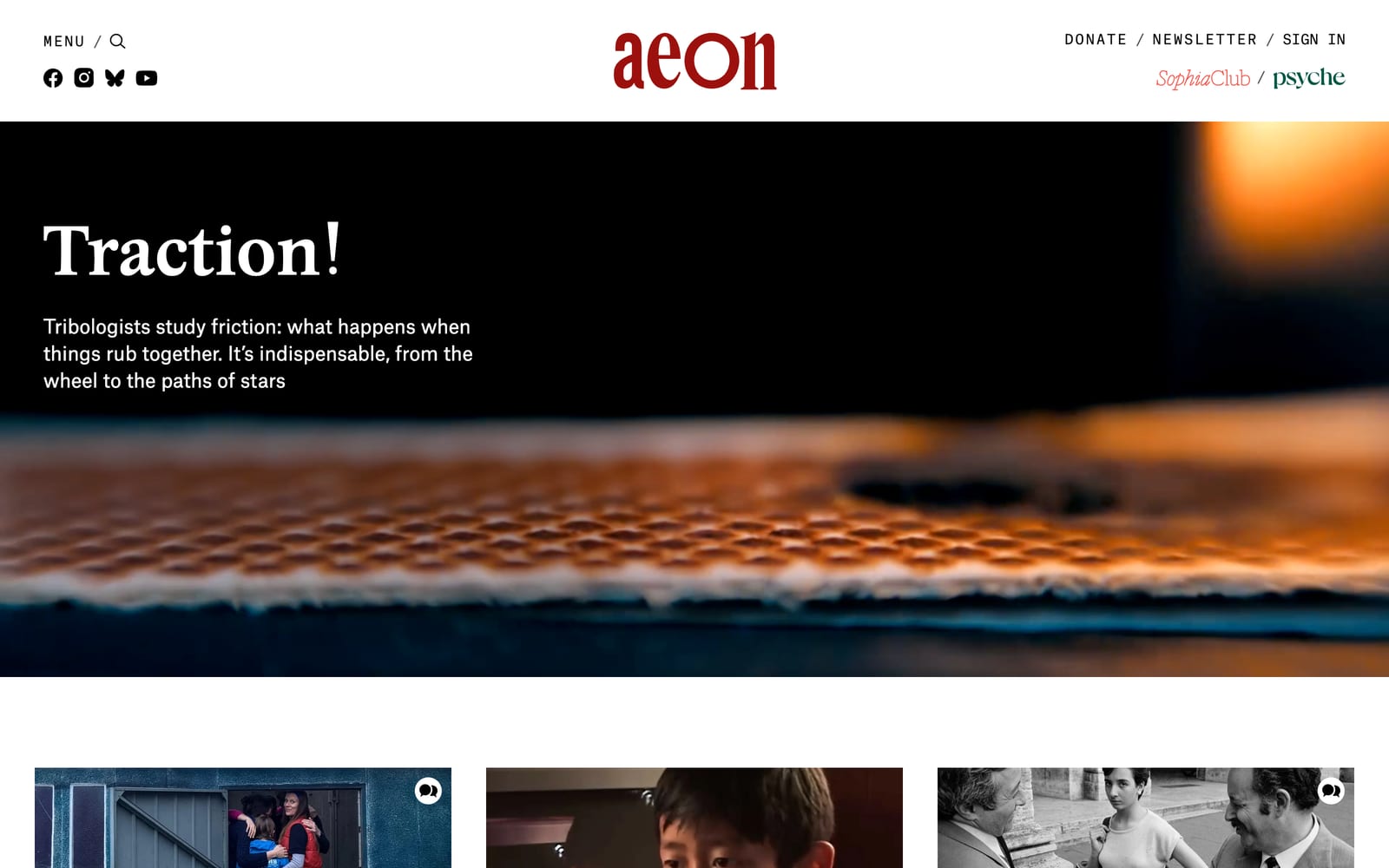
Sites shown: Stripe, Linear, Raycast, Resend, Family, Mercury, Instrument, Locomotive, Koto, Rauno Freiberg, MSCHF, Manual, Teenage Engineering, Glossier, Ghia, Aesop, Nothing, Fishwife, Stripe Press, The Pudding, Works in Progress, It's Nice That, Kinfolk, Aeon
AI can't tell which part you liked.
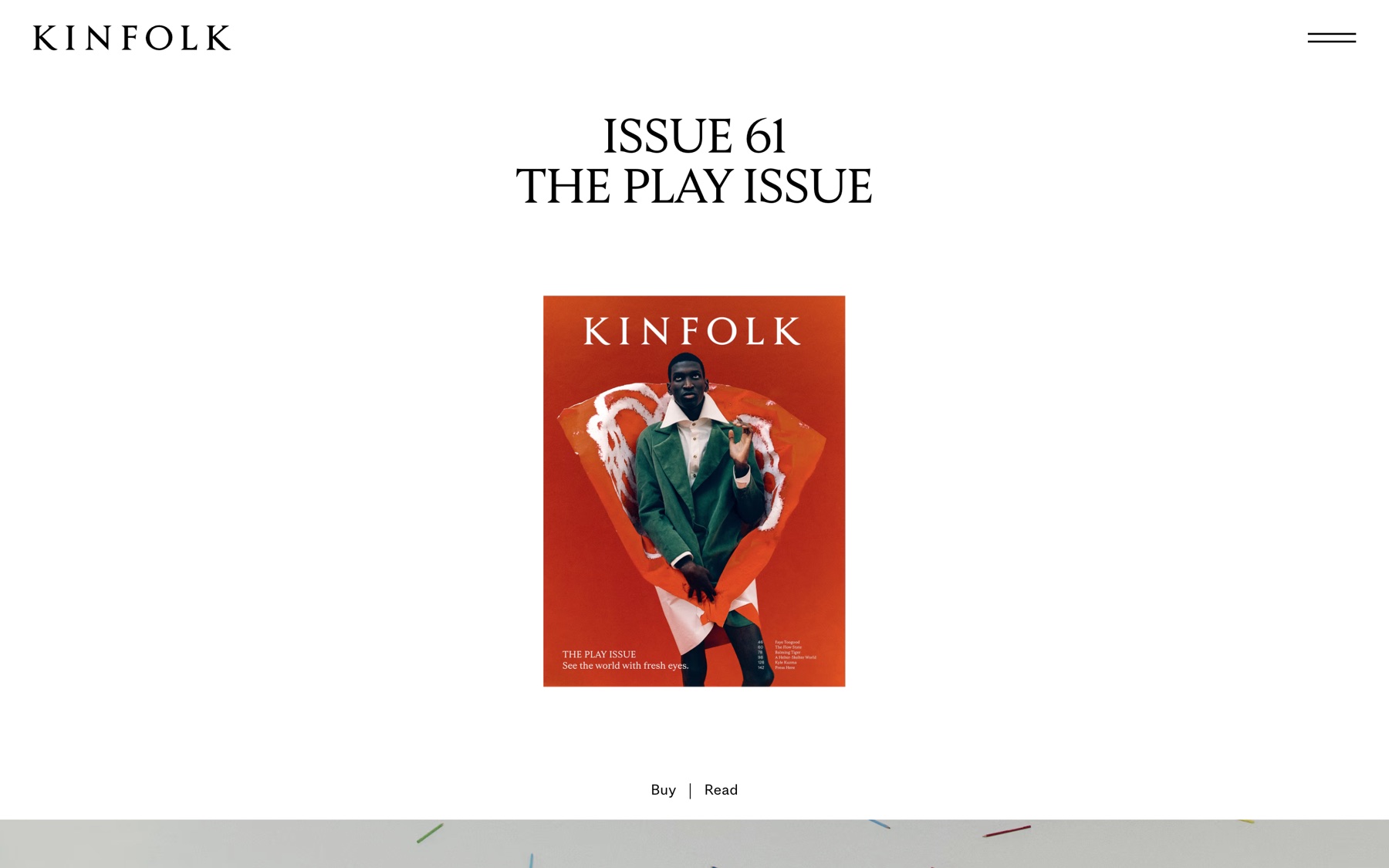 the red cover
Screenshot: Kinfolk
AI can't tell which part you liked.
You liked the headline and said “make it look like this”. Nothing says which part you meant, so the AI went for the loudest thing on the page.
the red coverTastify asks what you like about this exact capture, in plain words. One tap on the headline, no design vocabulary needed.
the headlineSize, case, tracking and colour come straight off the page while you’re there, so the brief says 50px and tight, not “a nice serif”.
Every inspiration in the brief lists what not to take, so the red cover stays on Kinfolk’s page and out of yours.
Same screenshot, same AI. With the brief, it takes the headline, in your colours, and nothing else.
the headlineScreenshot: Kinfolk
Capture anything. One hotkey, four ways.
Press Alt ⇧ S on any site and pick part of the page, the whole page, an image or an animation. The extension reads the real fonts, colours, spacing and timing while it's there.
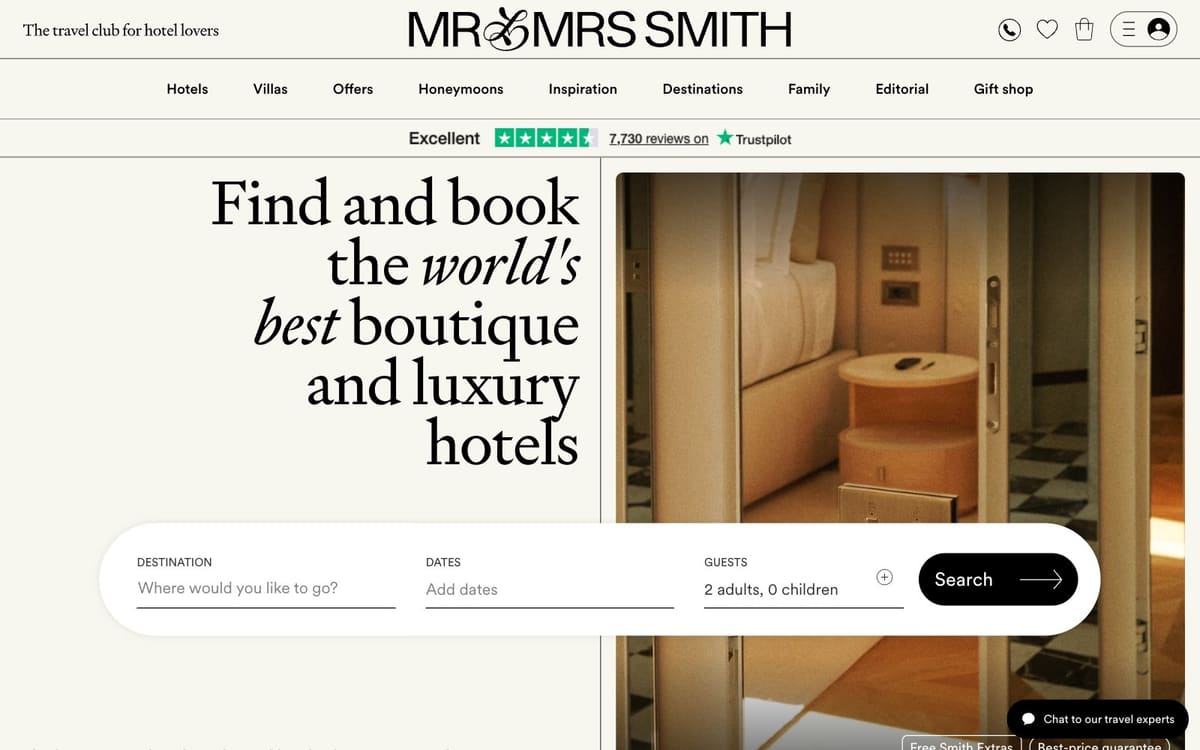

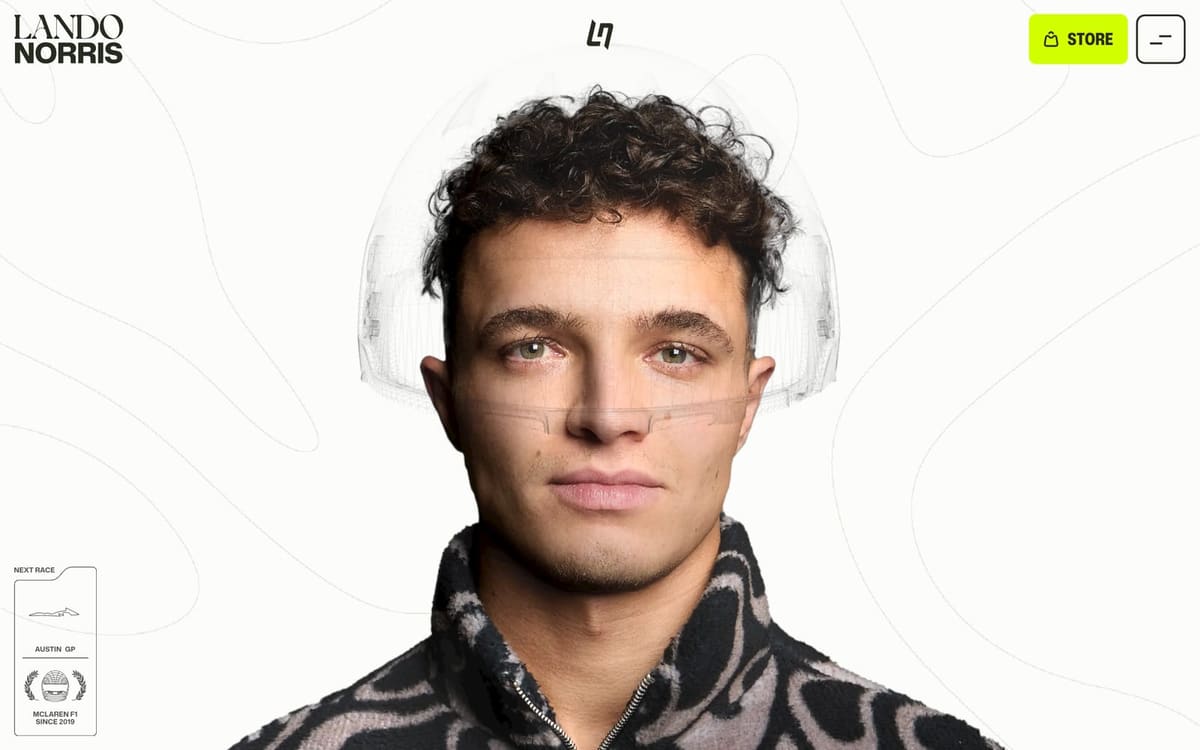
 Save image with Tastify


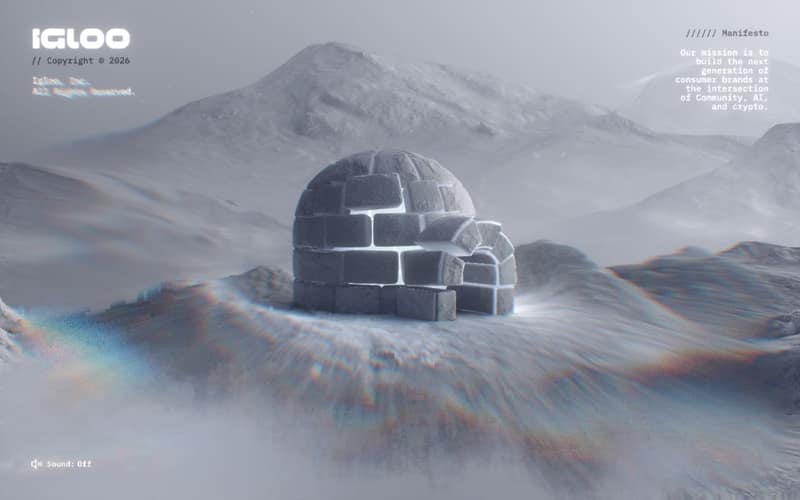
Pages shown: Mr & Mrs Smith, Craft, Lando Norris, Igloo Inc.

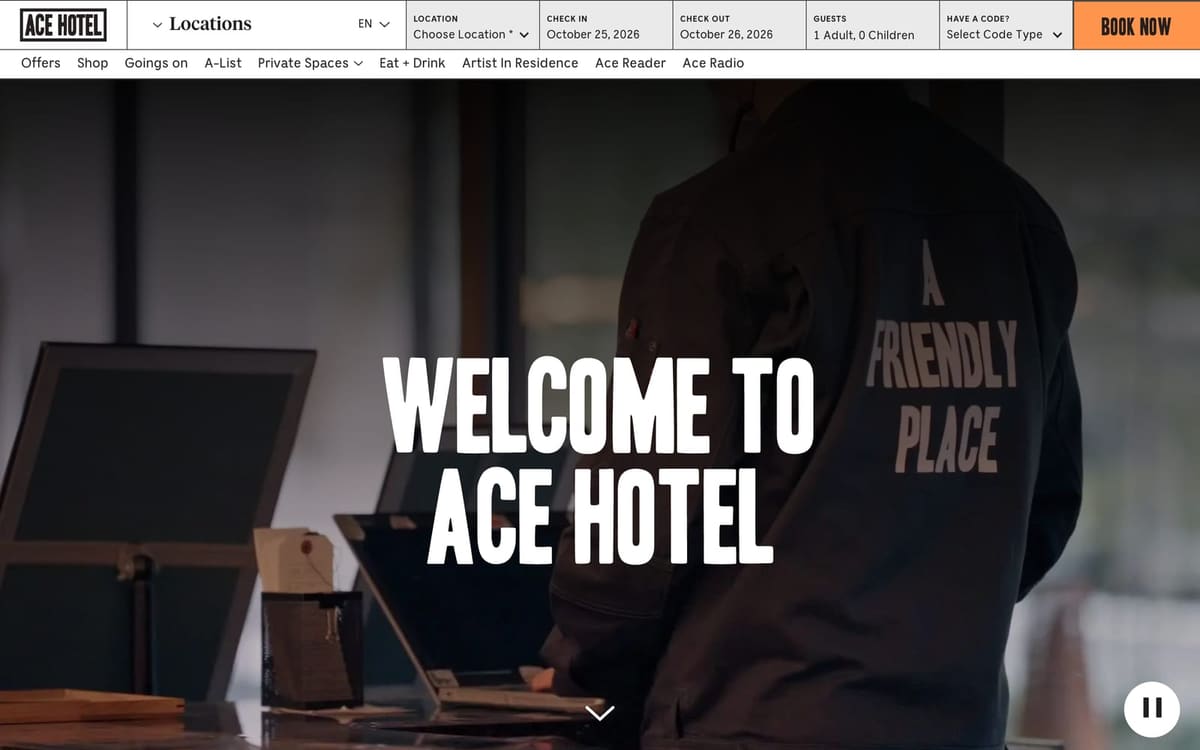
Page shown: Ace Hotel
Tap what you like. Skip the paragraph.
A screenshot shows your AI what you saw, not what you liked about it. Saying why is what makes it useful, and almost nobody types it out. Tastify asks four short questions written for that exact capture, starting with what drew you in.
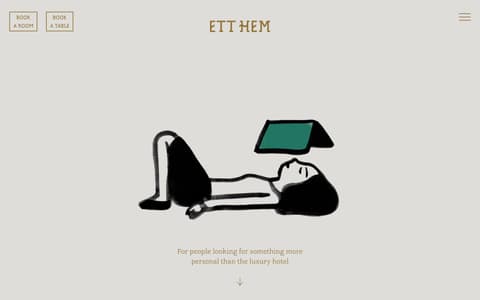
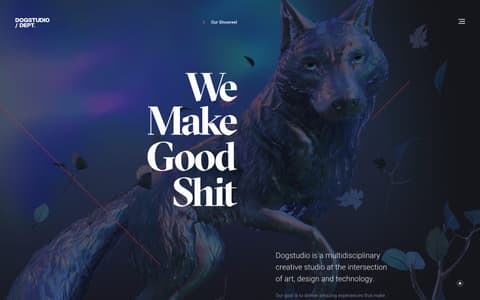
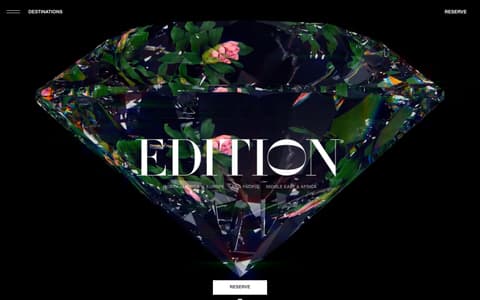
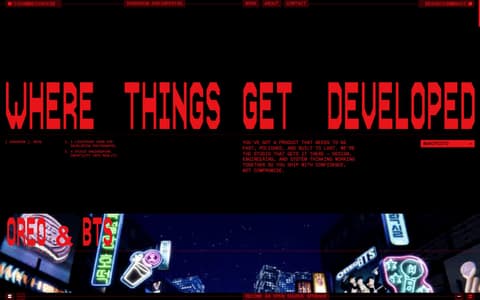
Pages shown: Lusion, The Standard, Ett Hem, Dogstudio, EDITION Hotels, darkroom.engineering
One sentence in. A brief your AI follows.
Pick the inspirations for this project and say what comes from where. Tastify sets what each one is used for, then writes the brief with your picks and the page's real values.
- Structure, look, feel or motion, set per inspiration from your sentence. Change any with a tap.
- DESIGN.md or SKILL.md for Claude Code and Cursor, a short prompt for v0, Lovable and Bolt.
- refs/sheet.jpg: every picture on one sheet, numbered as in the brief.
- Same idea, your colours: your brand is used unless you say copy exactly.
Briefs your AI can actually follow. And a taste it remembers.
Real values where they matter, your brand everywhere else, and a profile that grows with every capture.
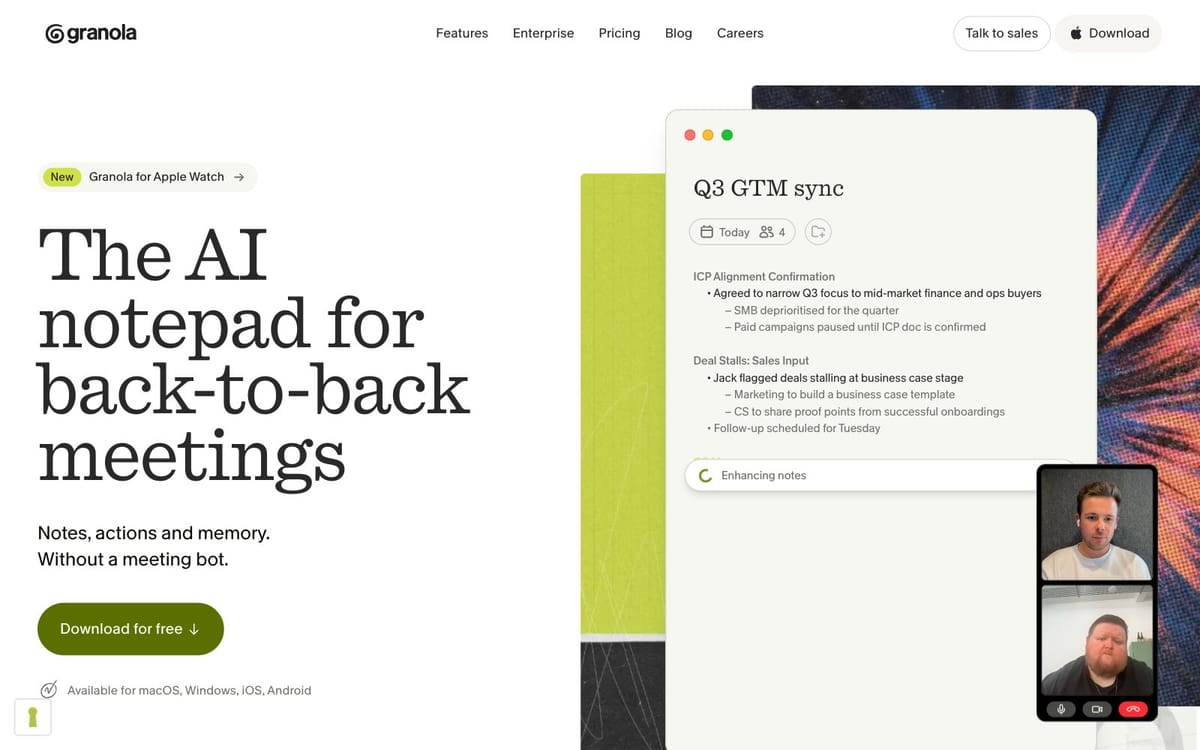

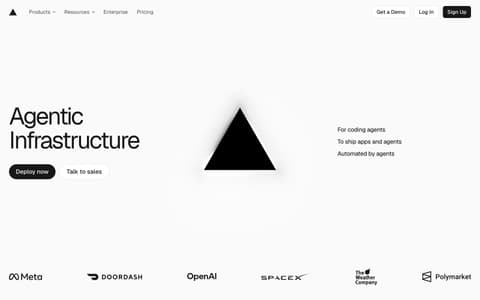

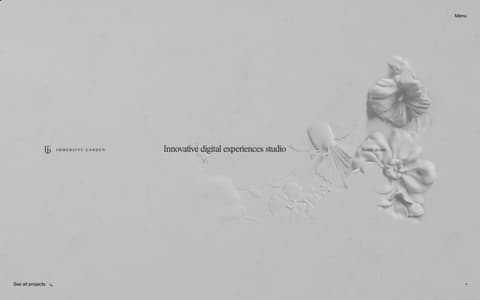
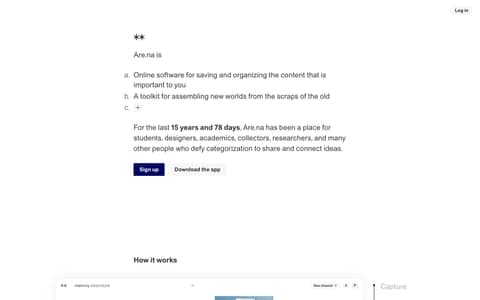
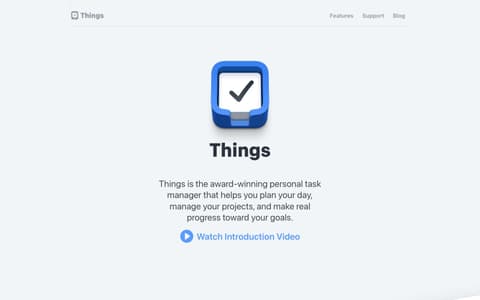
Pages shown: Granola, Cosmos, Panic, Framer, Superhuman, Vercel, noma, Immersive Garden, Are.na, Things, Linear
Good to know.
Which AI tools does the brief work with?+
Any tool that takes text and images: Claude Code and Cursor read DESIGN.md or SKILL.md from your project, v0, Lovable and Bolt take the short prompt, and ChatGPT or Claude take the chat version with the screenshots attached.
Do I have to write anything?+
No. Every question is multiple choice, written for the exact thing you captured, starting with how it feels. There is an optional field when you want your own words.
Will my AI copy the reference's colours?+
Only if you ask it to. By default each inspiration is taken as “same idea, my colours”: the brief passes on the technique and uses your brand. Upload your brand files once and the colours and type are filled in for you.
Can it capture animations?+
Yes. Pick Animation on the wheel, press Start, play it, press Stop. Tastify keeps the frames and records the real duration, easing and stagger from the page.
What if two references disagree?+
Tastify checks before you export and asks which one to follow, or to keep both and let the AI balance them, with a picture of each option.
Which browsers?+
Chrome. Other Chromium browsers such as Edge and Brave load it the same way.
Your next inspiration is one hotkey away. Start today.
Installs in about a minute. Remove it anytime.